
Welcome to my blog! I am a Creative Media Technology Graduate. I studied at Leeds Beckett University. I will be blogging about my creative choices and how I engage with the Creative Media Industries.
Getting everything started up – 29th January 2020
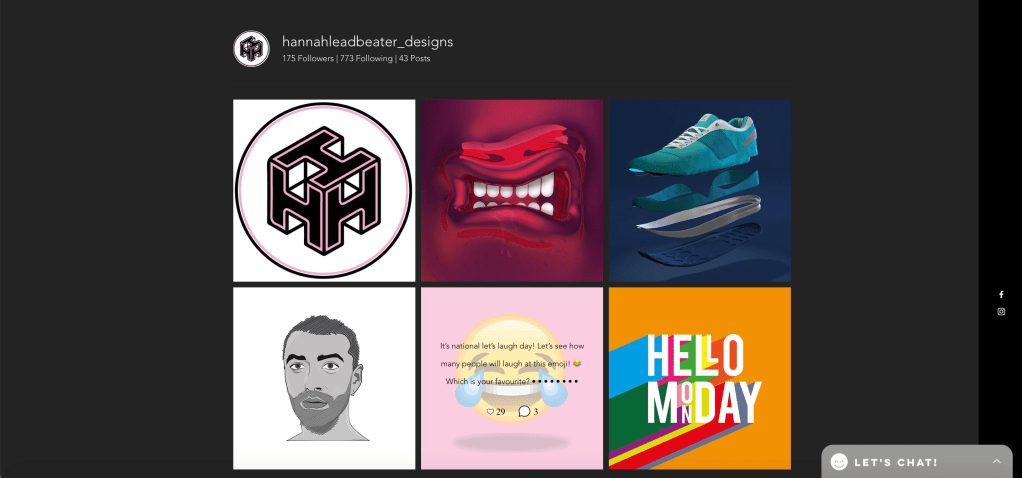
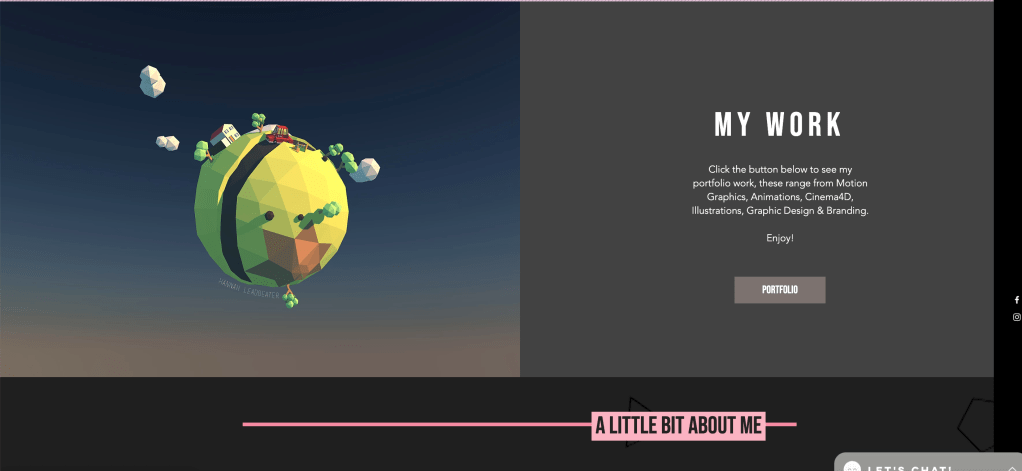
Today I started my first lecture/tutorial series in my module Professional Portfolio. It was an interesting experience where I was informed about the assignment brief. It seems to me like an interesting opportunity which puts my self promotion skills to the test. Looking at a few portfolios which have already been submitted for this module really inspired me. People definitely seemed to work to their strengths. For instance there was one which was focused on motion graphics and animation skills. The individual that made it included a plethora of motion graphic artwork such as banners and animated navigations. I suppose the most inspiring aspect of it wasn’t just the work she had done but the style which she portrayed her work. The portfolio design was very clean and fluid with a fun energy to it that I was very impressed by. The Leeds Beckett alumni had. clearly put a lot of thought into it. A really professional layout… I also thought it was admirable that she had her own social media accounts linked to her design work… You can imagine a portfolio like this is very eye opening to any potential employers.
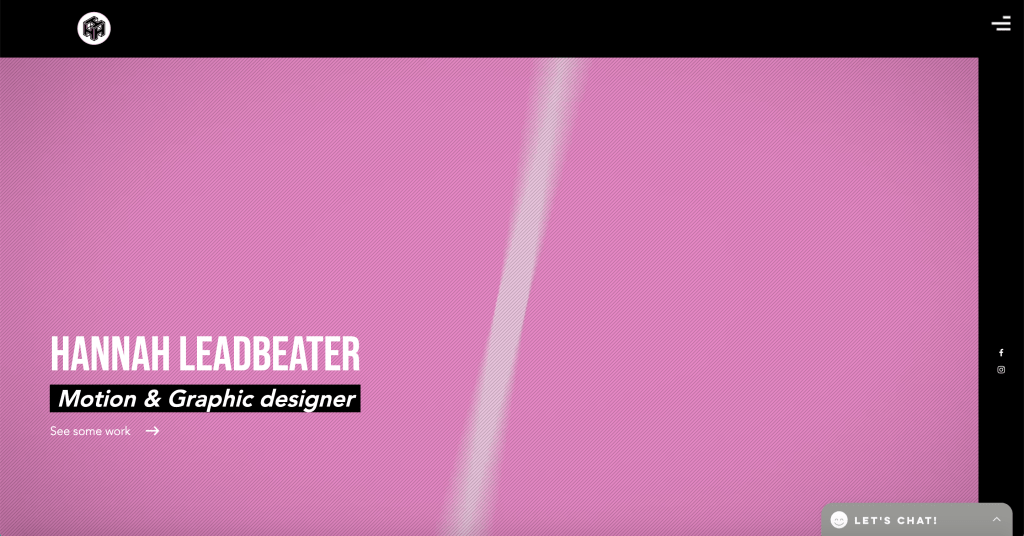
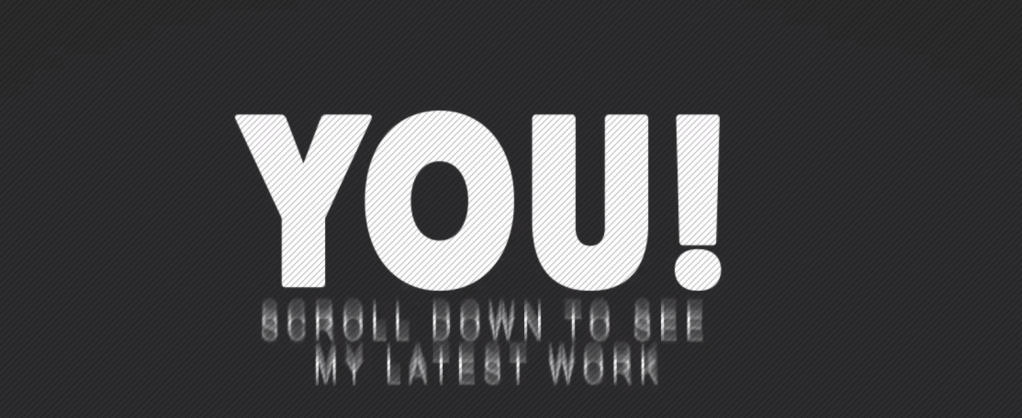
The first thing that is viewable when you access the website is an animated banner that operates as a welcome/invitation to the person visiting the site… I think this is the kind of thing that I should really look to include in my portfolio (being an aspiring animator).



There’s a few other things that I identified from looking at this portfolio as well. It’s these very subtle yet impressive things that the student included like her logo design.
These nice little touches make me keen to find a really good way of expressing myself through my portfolio and have also made me very aware of what my competitors in this industry are doing! I feel like I have got a lot of planning and thinking to do but I have certainly taken inspiration from looking at these students portfolios.
We had a tutorial where we were prompted to think about future job roles… Initially I had to think = What am I good at? What work have I received best feedback on and what job descriptions appealed me the most. Motion Design / Motion Graphic jobs were the stand out jobs for me. I’m quite a good designer I feel. In vector I have the potential to do a lot because over the last 5 years of my education I have become quite savvy with creating images and shapes. But it’s using Motion Design software such as After Effects that have really bought my work to life and allowed me to add the power of narrative to my work. Most jobs have an entry level of 2:1 and have starting positions such as “junior” or “apprentice” to begin with. The kind of projects I would be working on (if i got this job) would be mainly to do with content creation and advertisements which honestly sounds appealing. I would love to extend my animation skills more than any other skill I have learned at university and I see this as the most realistic potential passageway into the creative media industries for me.
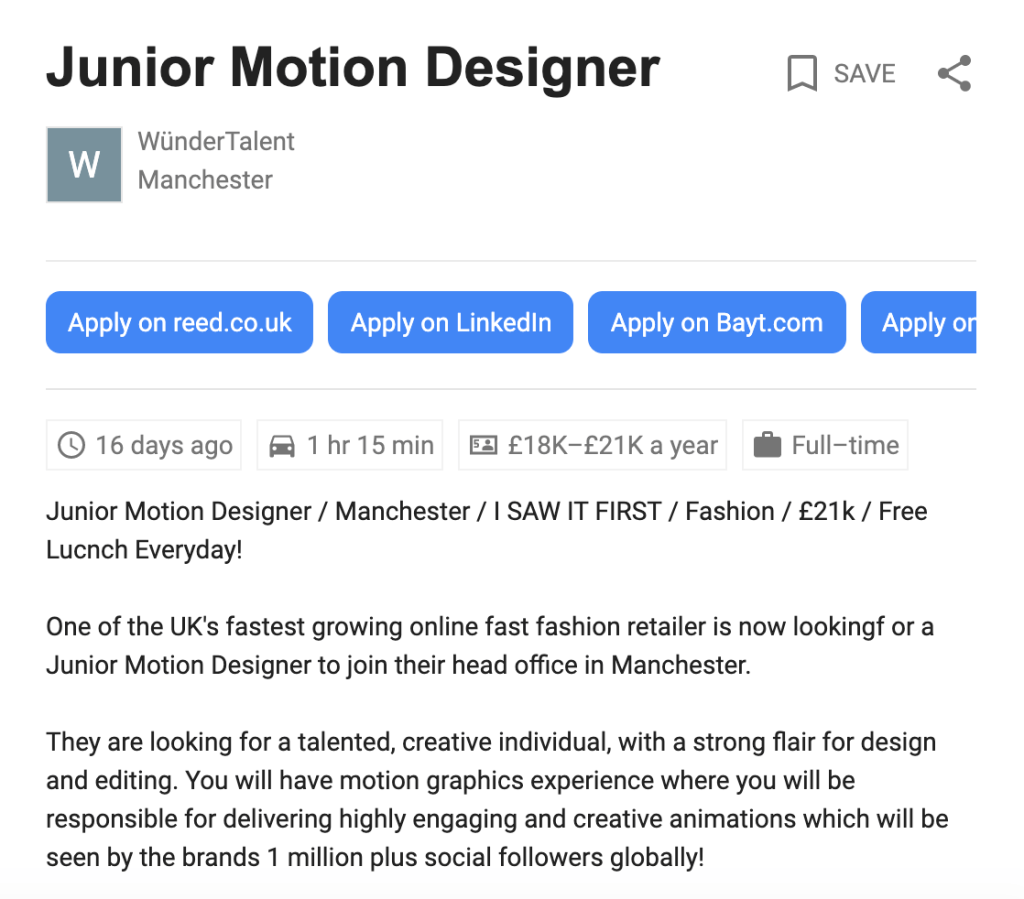
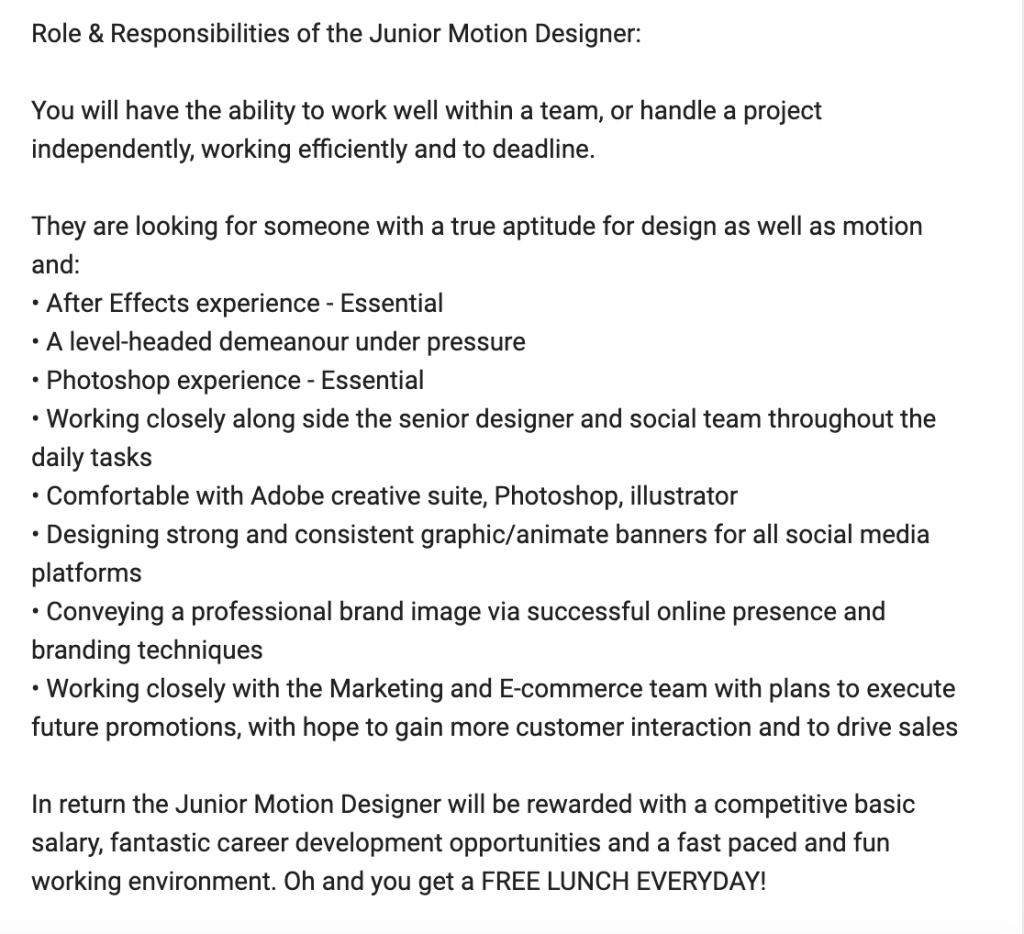
Motion Design Job Role
When I was studying potential job roles in the industry I noticed this one for WunderTalent in Manchester as a junior motion designer… In terms of the experience and development of my career, an opportunity like this could be invaluable. Photoshop, Illustrator and After Effects experience is something I can offer… I feel fully adaptable to a roll like this due to my previous experiences at INVOLVE studios in Richmond where I had to work closely with a team of people.
Today was a good insight into portfolio making and the industry I am trying to work in. Looking forward I will be trying to make connections in the industry and begin planning out my portfolio
Making connections – 5th February 2020
Today I went to a guest lecture by Ciara Belt who worked for Delete… They described themselves as “an independent Digital Agency specialising in digital transformation for leading global brands”.
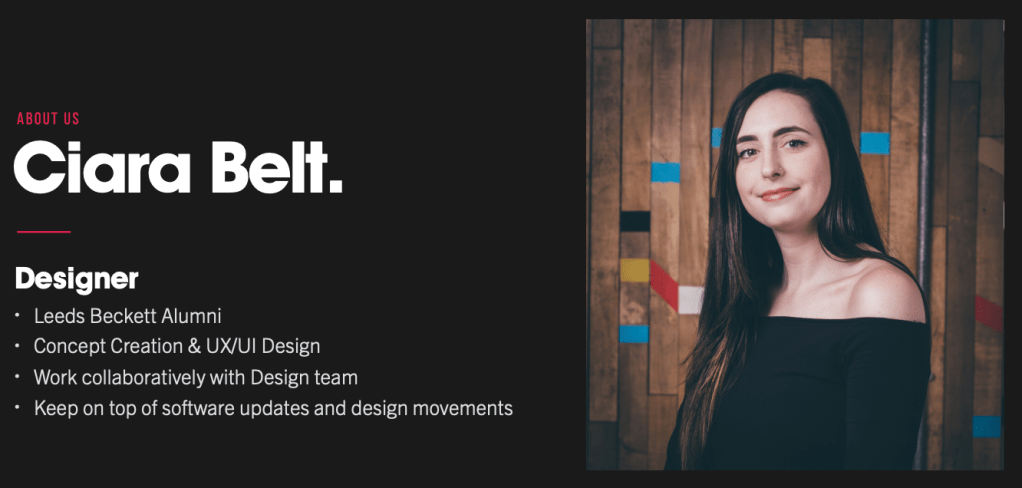
Ciara was explaining to us that she was actually an alumni of Leeds Beckett and she did a placement with Delete. They then re-employed her after she graduated and has worked there since. Ciara explained herself as a UX/UI designer that keeps on top of software updates and changes to apps. She provided an interesting insight into the transition from a post-graduate to employment and even told us what Delete look for in a potential employee. When designing my portfolio, an important thing to study is what digital agencies/media companies are actually looking for. She mentioned that it is important to demonstrate thinking, to showcase skills, to convey quality of work and to reveal your style. All the while you need to express yourself and show what makes you, you.
A set of steps were introduced… And these are the key points I picked out from it.
Prep and research
Learning about your audience… What are they looking for?
Pick your portfolio work wisely – And show why the work was succesful
Add a variety of work and don’t use mediocre/average work
Show your working progress and ideation
UX – Make browsing the portfolio an interesting experience / non static. ( Animated navigations/ banners)
Group Projects – What have you worked on? What role did you have? Explain the narrative/journey of having this role…
“It is a presentation to Future Employers”
Keep getting Feedback on your portfolio – Online forums (Behance etc)
How are you going to make it?
Ciara explained a few “go-to’s” in portfolio design. One of which stood out to me and this was Adobe Portfolio. I have used Adobe Creative Suite for my past 5 years of my education and I have always trusted their services.
Some of the benefits of using the service
The domain that is granted free with the service.
It can be attached to your Behance account (Furthering self promotion).
Industry standard portfolio – Fully responsive (A tech-savvy and modern approach).
Adobe Portfolio is a suggestion at this point but I need to further my portfolio designing skills before I make any concrete decisions on what my production methods are. I decided that I could use some advice from an industry professional before I begin any designs. I made a start by contacting a work experience employer from a few years ago. He is called Jeremy Nicholls he oversaw my week with INVOLVE studios is Richmond. It is my understanding that he recently had been doing some work for ITV. I sent him an e-mail asking if he had any advice on my portfolio production.
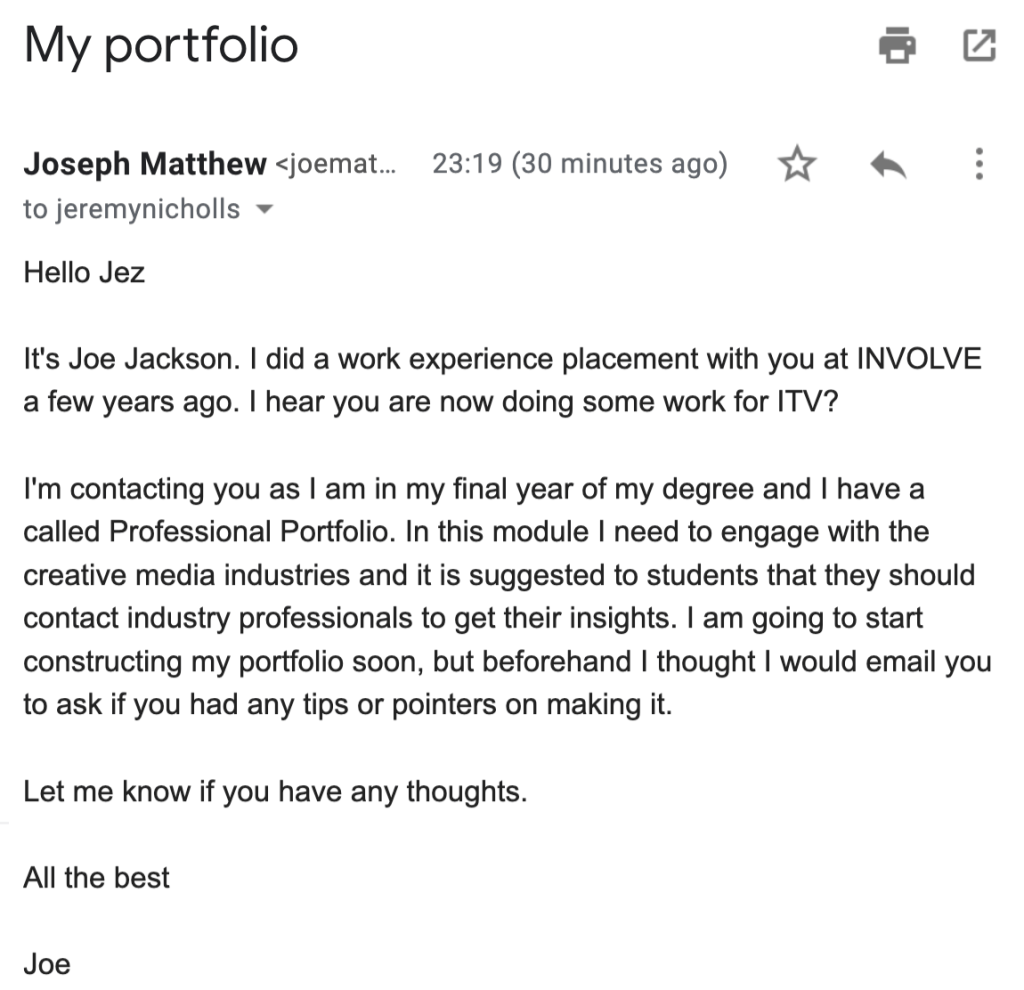
I’m hopeful that Jeremy will respond with some valuable information as I am eager to start building the portfolio. In the meantime I intend on collecting all the work I wish to include in my portfolio and will think more about how I want it to operate/function (what motion graphic skills I may use in it).
Learning about Rights, Searching for events and collecting all my work – 12th February
Today I had a lecture on how to ensure that my portfolio will address legal and rights issues. My first thought about these legal implications was that I cannot afford to suffer from any privacy, copyright or hosting site issues. In a lecture, we were educated about intellectual property and copyright. We were informed about real life scenarios where rights on certain productions had been lost as these issues were not addressed. Having seen these, I am more encouraged to ensure that my work gets protected.
Later on in the session, there was an intervention where we had to discuss which hosting sites exist and can be used for our web presence and our portfolios. We had to review the rights and privacy policies. We were then advised to consider which one we wanted to use for the ones we are making. I had a look at Behance initially as I have used it many times to gain inspiration when planning out projects. It is Adobe’s own social media, it provides the user with a domain that they can publish their work on and it is used by many designers worldwide. Adobe Portfolio is connected to Behance as users of AP are able to share their portfolio on Behance and “Update on Behance” whenether they wish.
In this web page Adobe explain how Portfolio and Behance are interconnected.
“But what are the legal benefits of this approach?”
The benefits are that any user of Behance is provided with flexibility for their own copyright settings. Creative Commons regulations are available but these come with different degrees of control for the user to select. There is also a “No Use” option which disallows anybody to use your work, even if they make a reference. They also advise that if they are hosting your work then you can place a watermark on any media you upload .
Here is an another article by Adobe that goes into further detail – https://help.behance.net/hc/en-us/articles/204485044-Guide-Copyright-And-Posting-Content-On-Behance
With this latest research, I am certainly warming to the idea of using Adobe Portfolio for three reasons: Effective portfolio design, effective web presence/self promotion and a flexible privacy policy.
Events
Today I booked a ticket to this Creative Media Pathways event which takes place in Sheffield Hallam University.
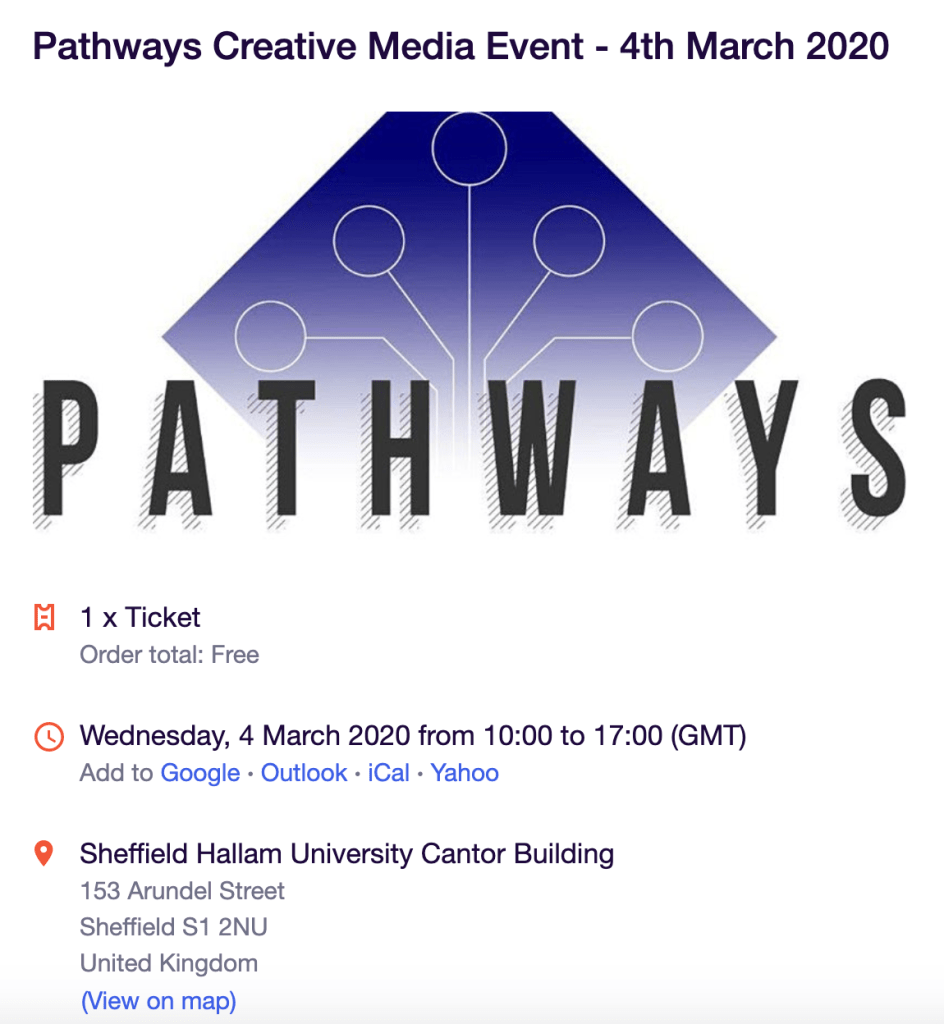
I want to attend an event and attempt at doing some networking. It’s a goal of mine to engage with the creative media industries and hopefully gain some positive insights into portfolio design and make some good connections with people/employers that I can contact after I graduate.
I have recently been collecting all my work that I have produced over the last 5 years of my creative media education. During my higher education course at Leeds Beckett (the last 2 and a half years) I have created considerably higher quality work because there has been more challenging tasks and there is a higher standard. The bulk of the work that I will include on my portfolio is going to be work produced at university however there are a few pieces of work from college that I might choose to include. It is important to include work that is suitable to my selected title, this means any work I will use is going to be animation/design related.
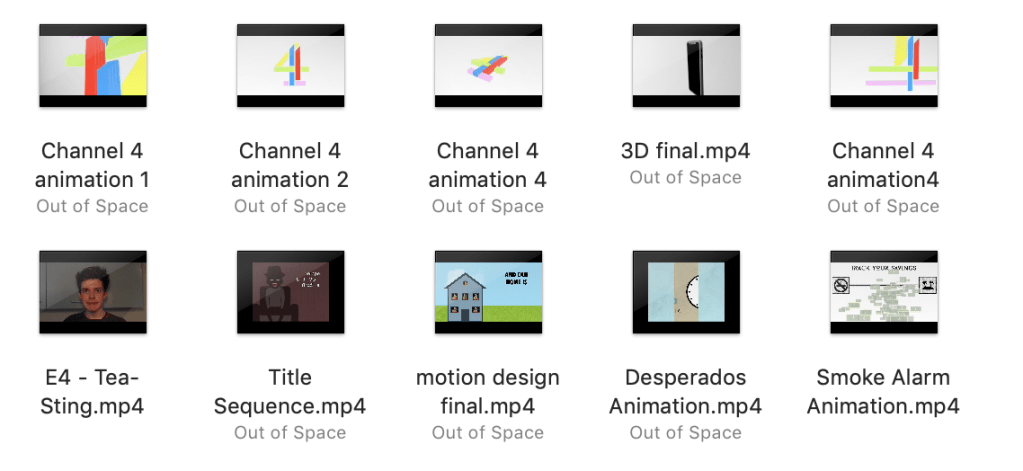
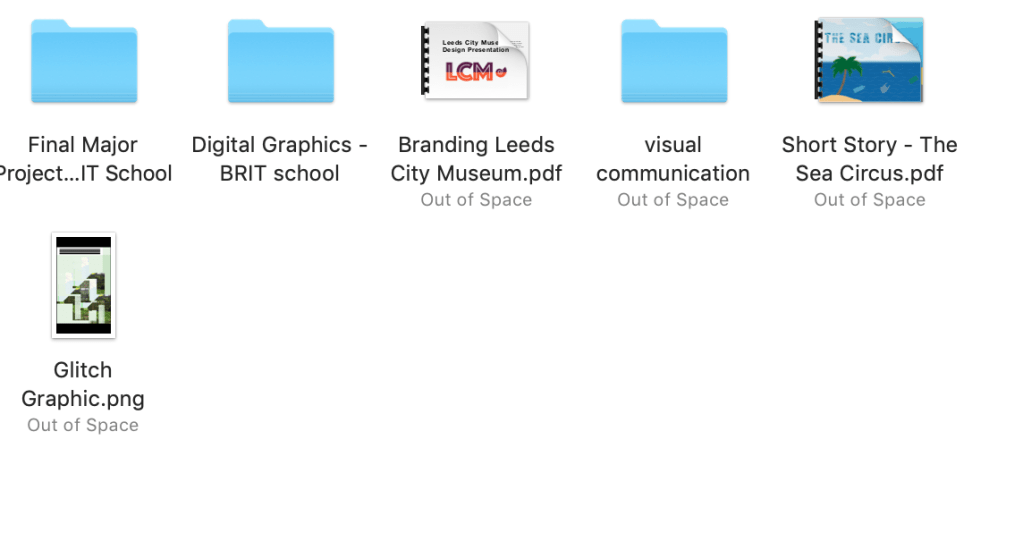
I started by going through archives of work I have produced and separating them into folders.
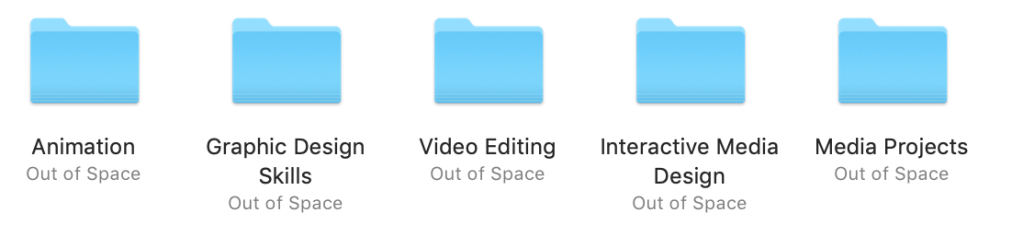
The majority of the work I have produced during my education has been animation and graphic design productions. which is another strong incentive to make my portfolio animation/graphic design based. This also makes me more driven to search for placements related to graphic design and animation after I graduate.
Animation
Graphic Design
Portfolio Assistance – 26th February
Today was a profitable today. I was able to make even more connections in the creative media industries, namely Hannah Leadbeater and Phillipa Cassidy who are Alumni of Leeds Beckett. It was great to meet them and talk about their careers, their experiences at university and I was even able to show them some of my work. They approved of what I have done this year and said some very promising and kind words that certainly inspired me to keep at it. Earlier in my blog, there is an analysis of Hannah Leadbeater’s portfolio. It was a bizarre coincidence that it was her portfolio that I analysed although I didn’t notice this when I was speaking to her. Never-mind… I guess it’s proof that business cards always come in handy.
I’ve got in contact with her through e-mail and hopefully she will have some good advice for me in this module and also for me to get future jobs.
Meeting Ben Robertson was another good connection. He is very savvy when it comes to careers and future employment for students.
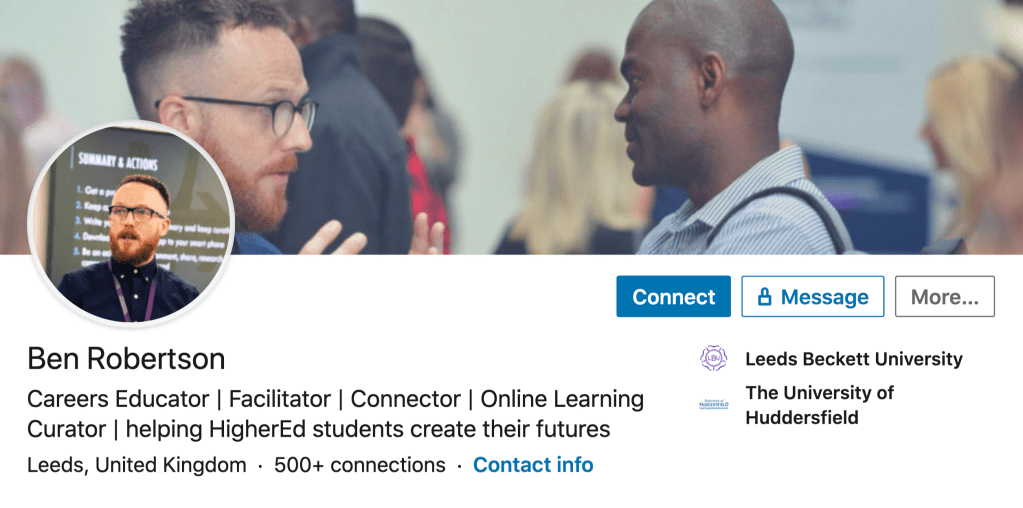
He asked me what I wanted to do after university and if I had anything planned. I told him that I was looking at some Erasmus internships abroad and some jobs in the UK as a motion designer/graphic designer and he agreed that these sounded like very promising options. He put on a video which advised us on what to do when we are networking. Essentially we were advised to be confident and talkative and to try and make as many positive connections as we can. I will certainly be taking this advice forward when I am going to to Sheffield next Wednesday.
Preparation for the Creative Pathways Event, Jeremy Nicholls responds and early portfolio construction– Monday 2nd March
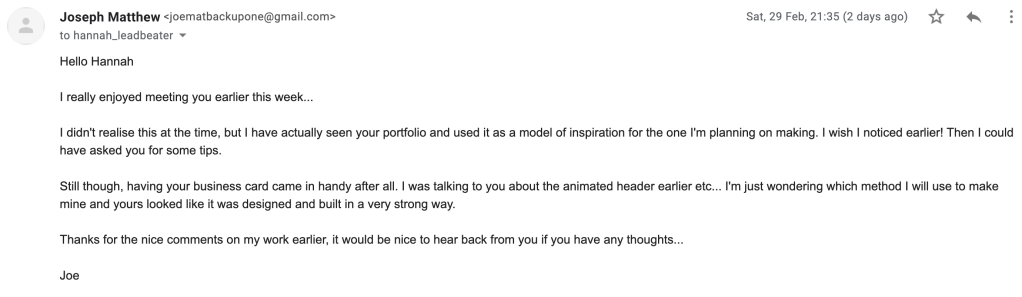
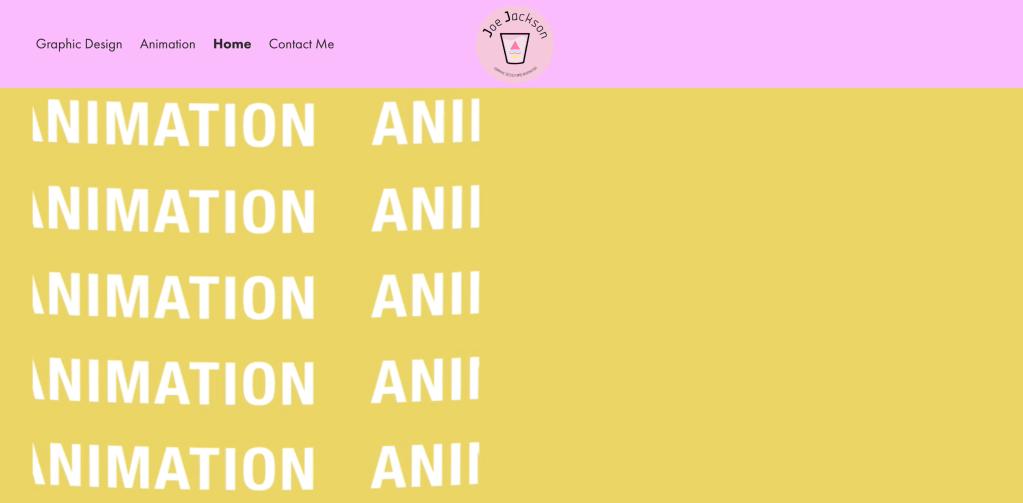
Over the latter stages of last week and the early stages of this week I have made some progress on the portfolio build. It is far from being complete, but I have been ensuring that I haven’t mentally neglected it despite this being a busy period for me. In Hannah Leadbeater’s portfolio, there was an animated banner which I mentioned was an inspiring touch. I have actually created my own using some quite effective text and shape animations. On Adobe After Effects I played around with liquid animation techniques to generate a couple of transitions and mattes that helped me generate this sequence.
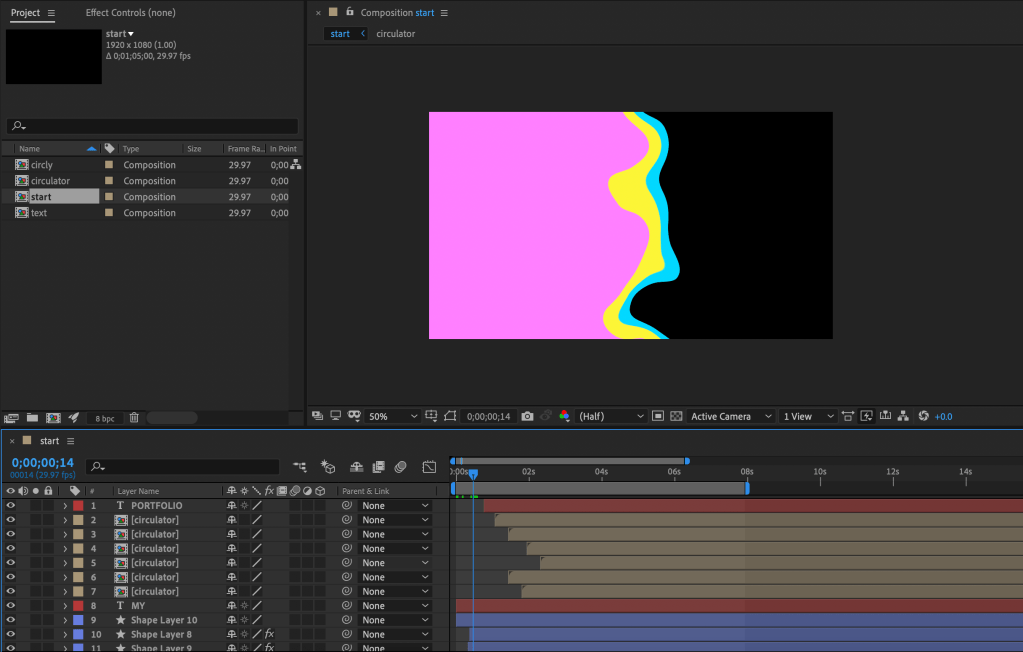
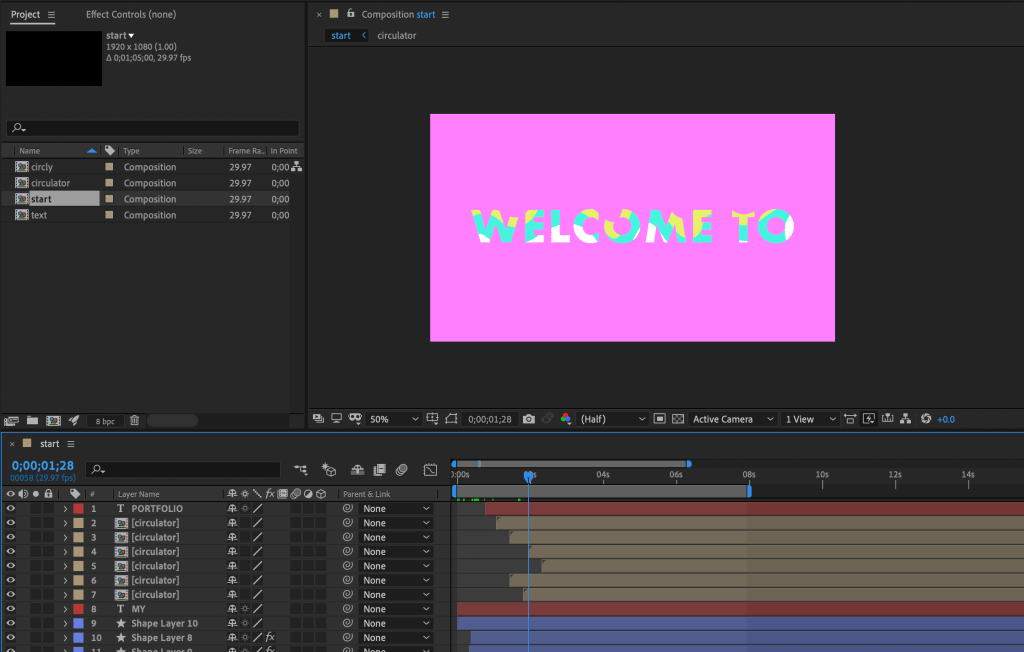


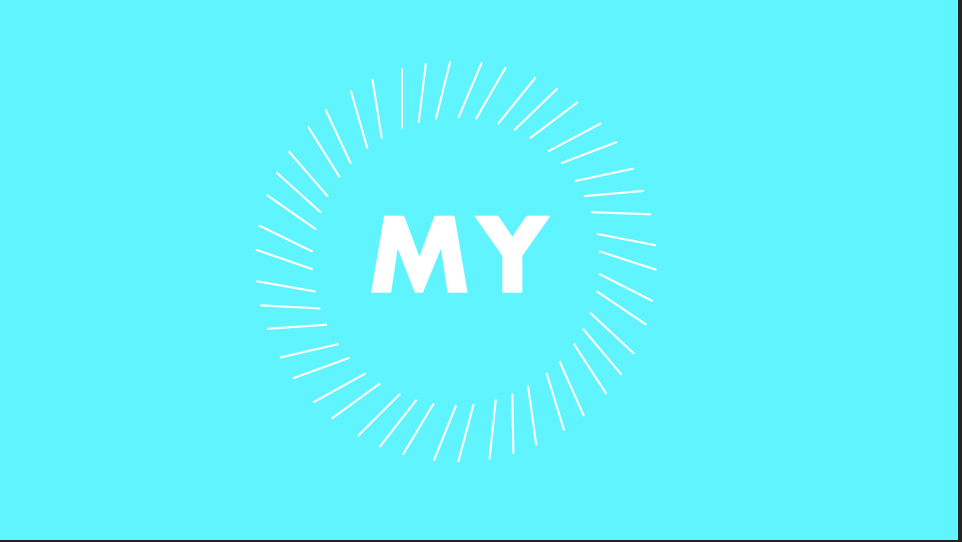
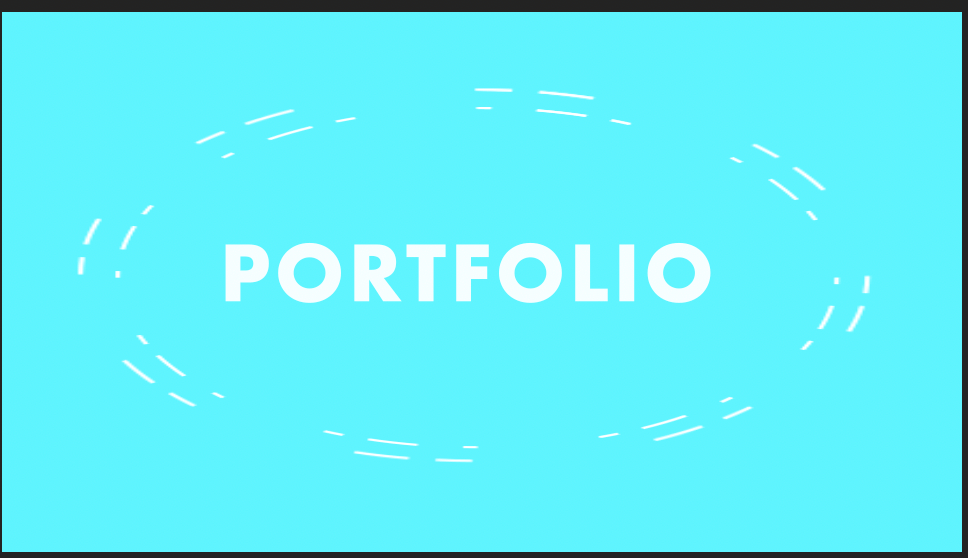
I decided to use a colour palette that I would intend on using in my entire website. The pink, blue and yellow colours are associated with 70s funk and soul.

I have used these colours before in the Visual Communications module that I studied last year… I wanted to re-visit this colour scheme again for my portfolio as I feel like it delivers bright and playful tones which introduce my attitude towards my work and my desired industry.
Jeremy Nicholls responded to the email which I sent him a couple of weeks back. I was delighted that he responded with such enthusiasm.
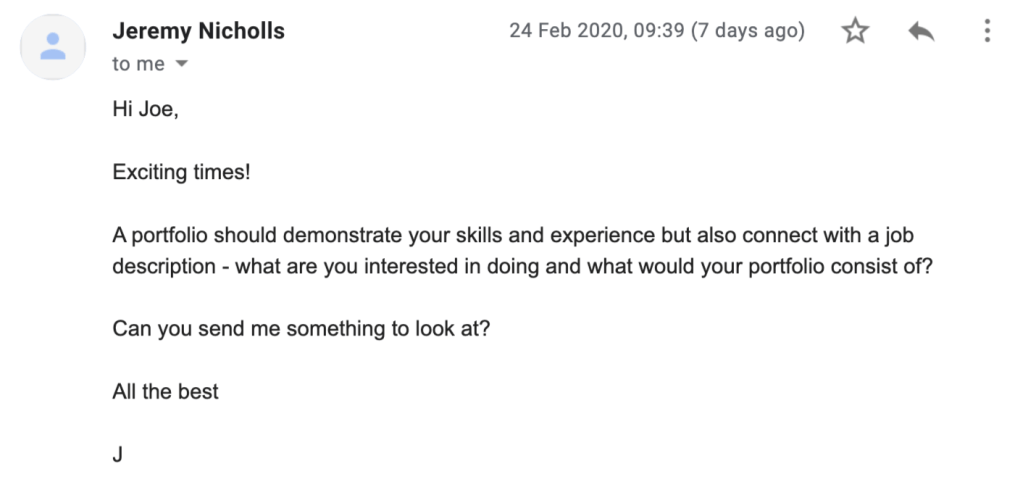
He wanted me to show him something so I responded saying that the portfolio at this stage was at it’s very early stages of construction and that I only had a limited amount to show him (the animated banner). I asked him what he has used, how he used it and I asked for advice specific to my situation.
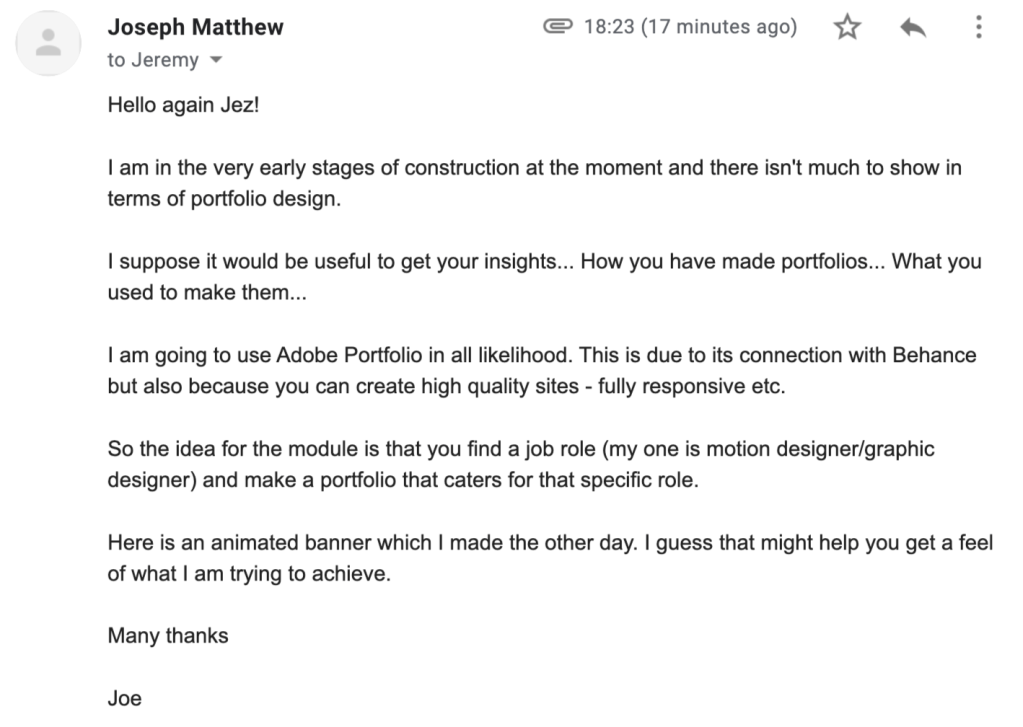
I am currently awaiting a response from Jeremy and I hope he can shed some light into portfolio production. An interesting thing about Jeremy is that his current role is a Senior Editor / Motion Designer, which is quite strongly related to my ambitions. I would imagine that he will reply in the days to come and I can adapt my portfolio to his recommendations.
This Wednesday I am going to travel to Sheffield to attend the Creative Pathways Event. I recently received an e-Mail from eventbrite which reminded me to download my ticket which I have now done.
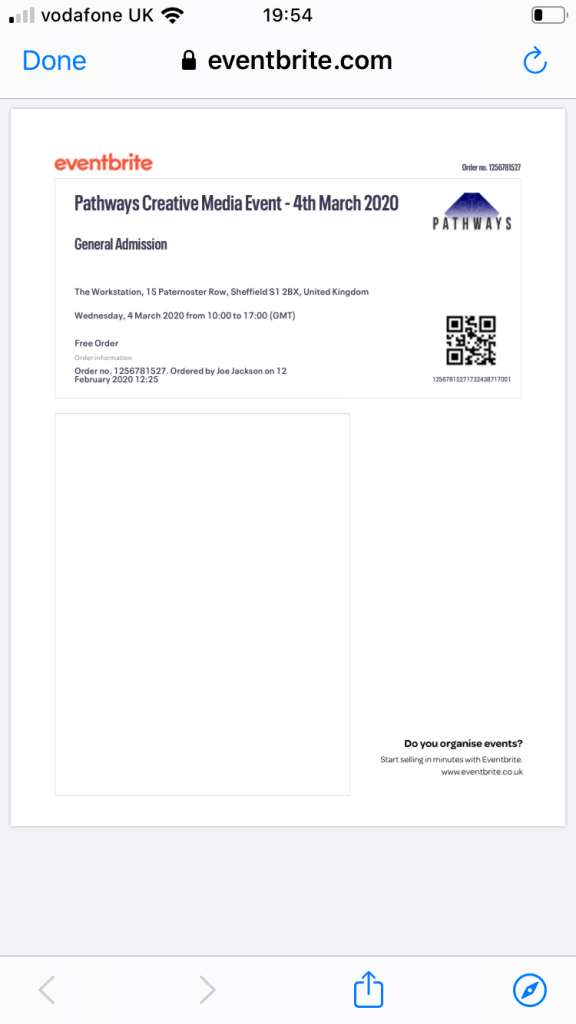
I’m getting ready for the event by thinking to myself – “What do I want to get out of it?”
- Make positive contacts in the hope for future employment AND for the remainder of this module
- Further my abilities at networking and communicating with people in the creative media industries
- Showcase my work and view work from other creatives
- Discuss the subject of portfolio building and self promotion with a few interesting people and ensure that I note down interesting views
- Take photographs of anything inspirational that I encounter and put it in my blog
It was mentioned on the video that Ben Robertson showed us that we should set ourself a few ambitions before the event. This way we have set ourself some targets and we have a checklist to go through when we attend the event. My goals for the upcoming week are to…
- Receive advice from Hannah Leadbeater and further advice from Jeremy Nicholls
- Make some inroads with the portfolio production
- Have a successful afternoon at the Creative Pathways Event
The pathways event, starting the portfolio build and my responce to email exchanges – Wednesday 11th March
It has been a week since I attended the Creative Pathways event in Sheffield so I have decided that a blog post is well overdue. I enjoyed the event a lot and I’m happy to say that it was a successful afternoon. My first impression of the city when I arrived there is that it is a trendy and fashionable city. There was design everywhere I looked when I arrived, which promised good things for the day and for the event.
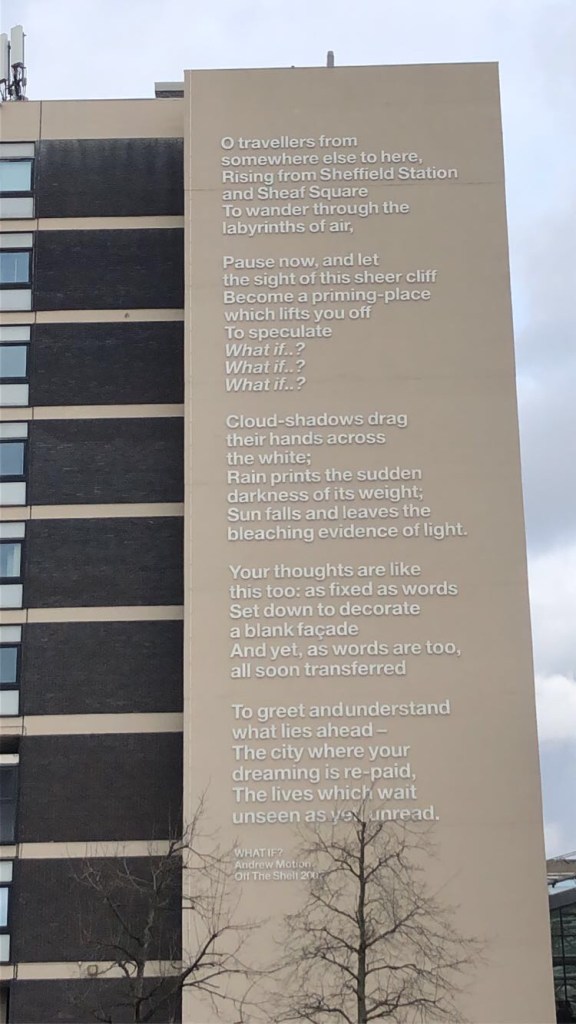
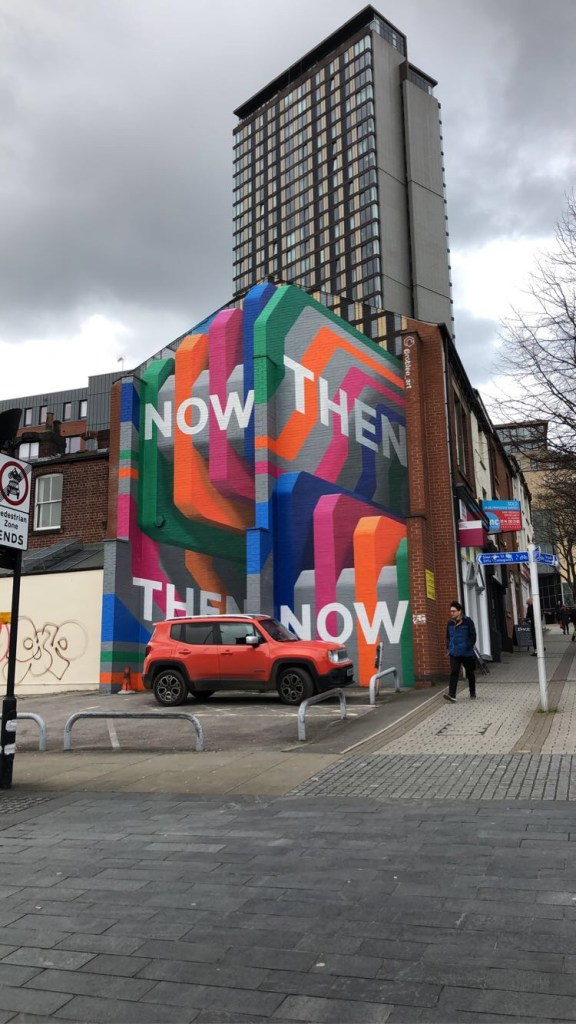
I arrived at around 1pm and made sure to pick up one of the leaflets which gave details of the days run-in.
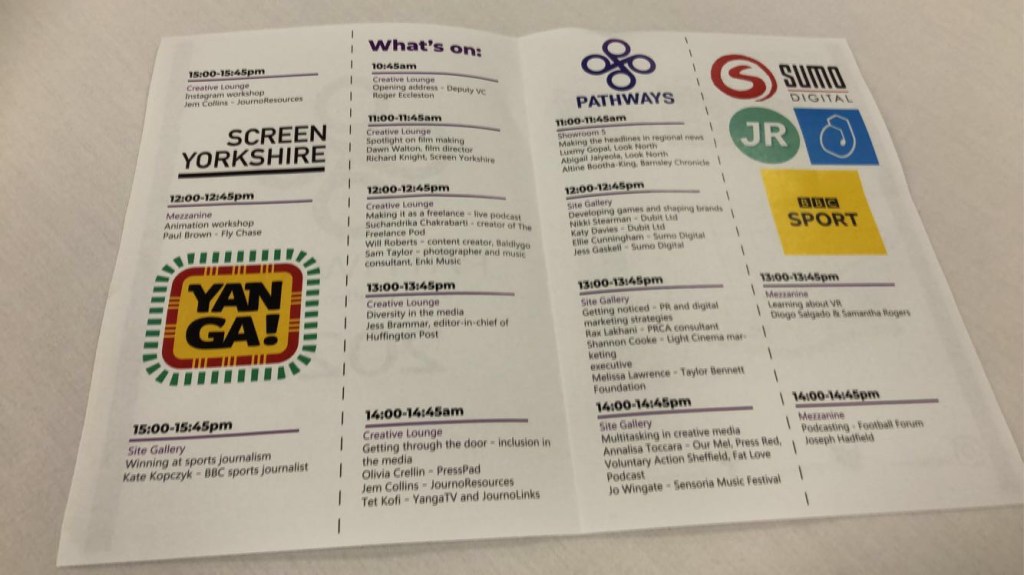
The first talk I went to was a talk by Jess Brammar who is the editor-in-chief of the Huffington Post. This was about diversity in the media and where it was interesting, it wasn’t specific to self promotion / post graduate employment or portfolio building so I sought a more suitable talk.
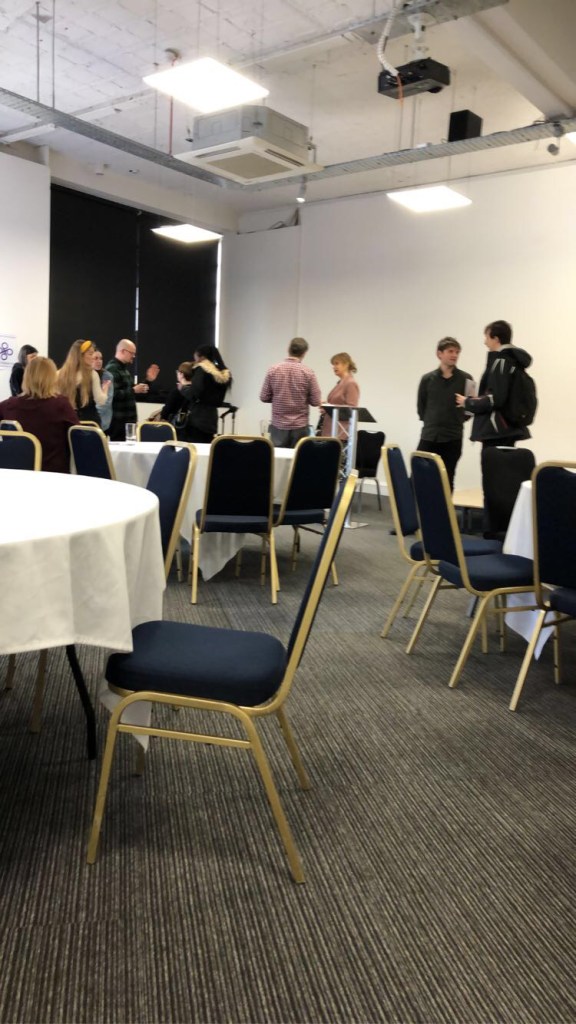
I noticed that at the same time as Jess Brammar’s talk there was a talk on PR and Digital Marketing strategy in a building called the site gallery which was a short journey down the road. I heard that this talk would feature some insights on content marketing (blogging and article writing) and social media marketing so I thought I would try and catch the last half an hour of it.
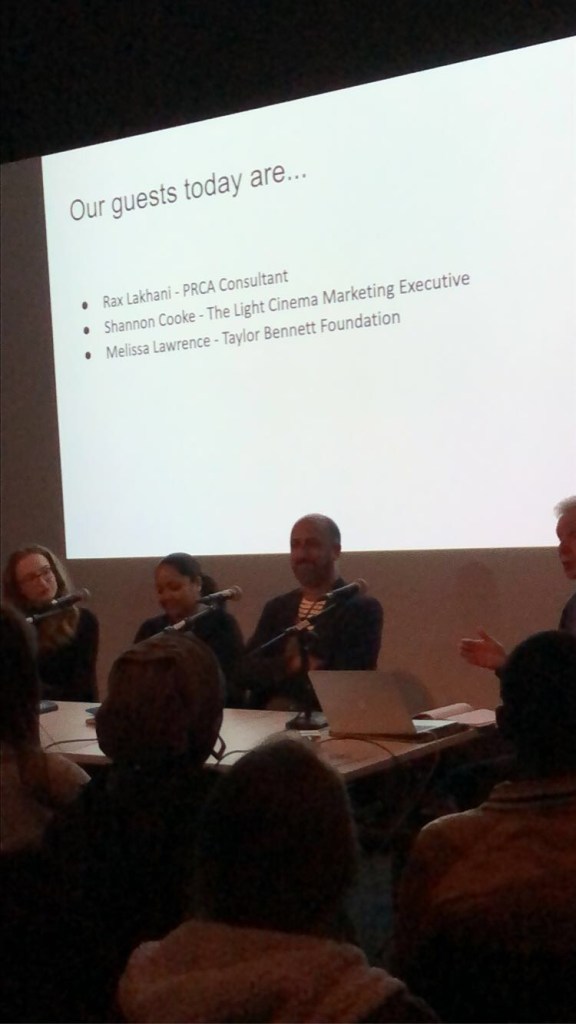
When I arrived, the topic of discussion was more business/advertising based so again, it wasn’t completely relevant to the portfolio module but I thought I would stay to the end. I noticed that the most important talk for me to see would be the one named “getting through the door – inclusion in media” which took place shortly after. This talk would turn out to be the highlight of the event and certainly provided the greatest insight of the day. The two people on the panel were Olivia Crellin (freelance producer, on-air reporter and documentary filmmaker) and Jem Collins (digital journalist and editor).
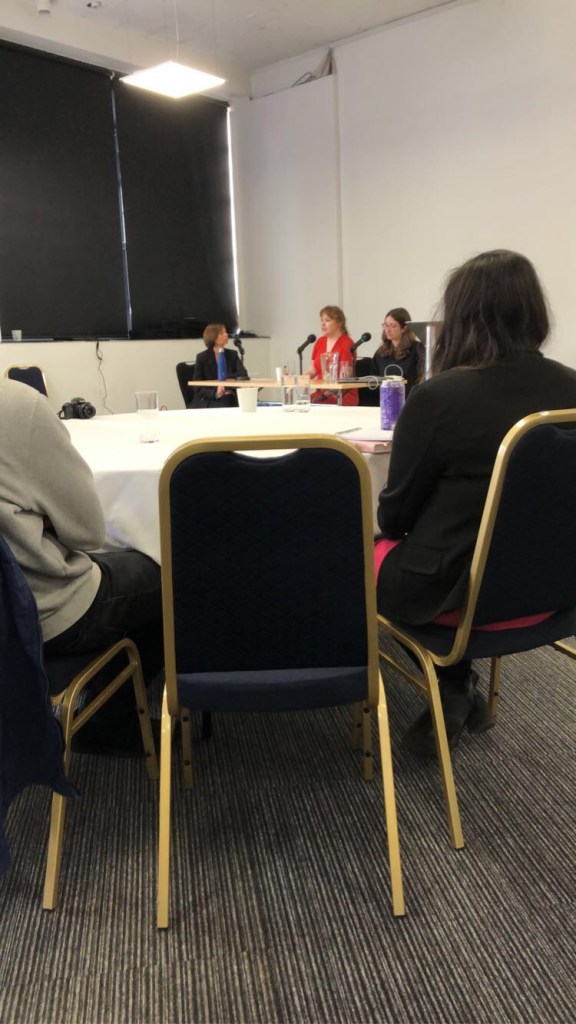
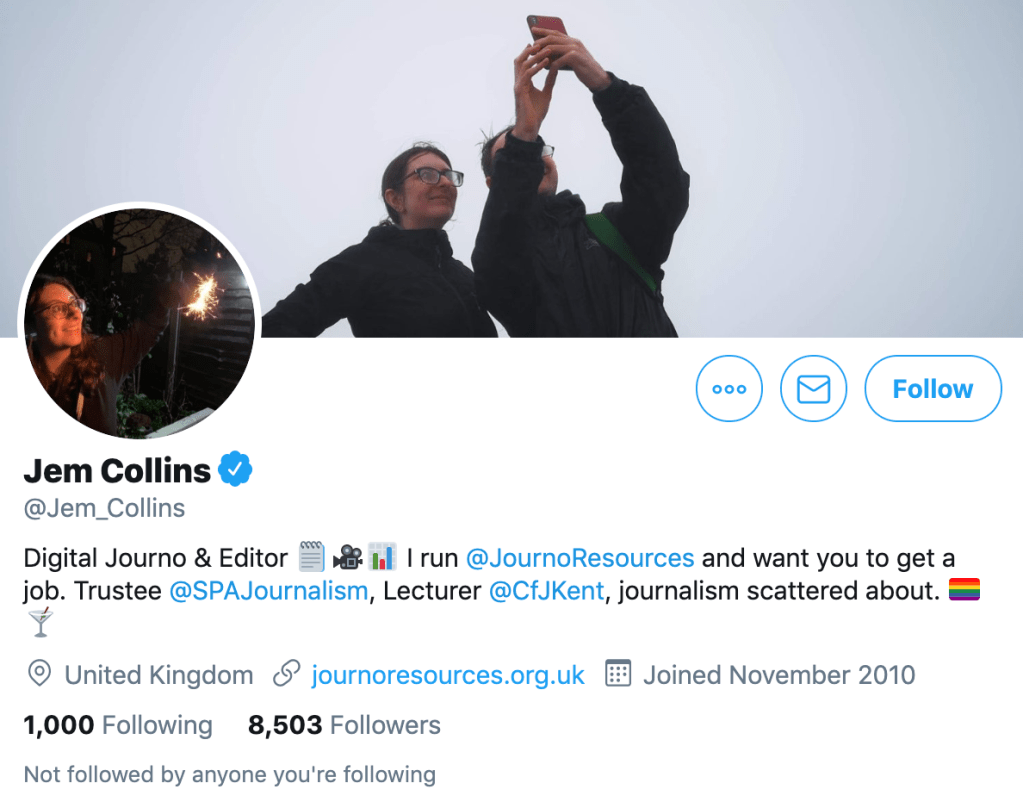
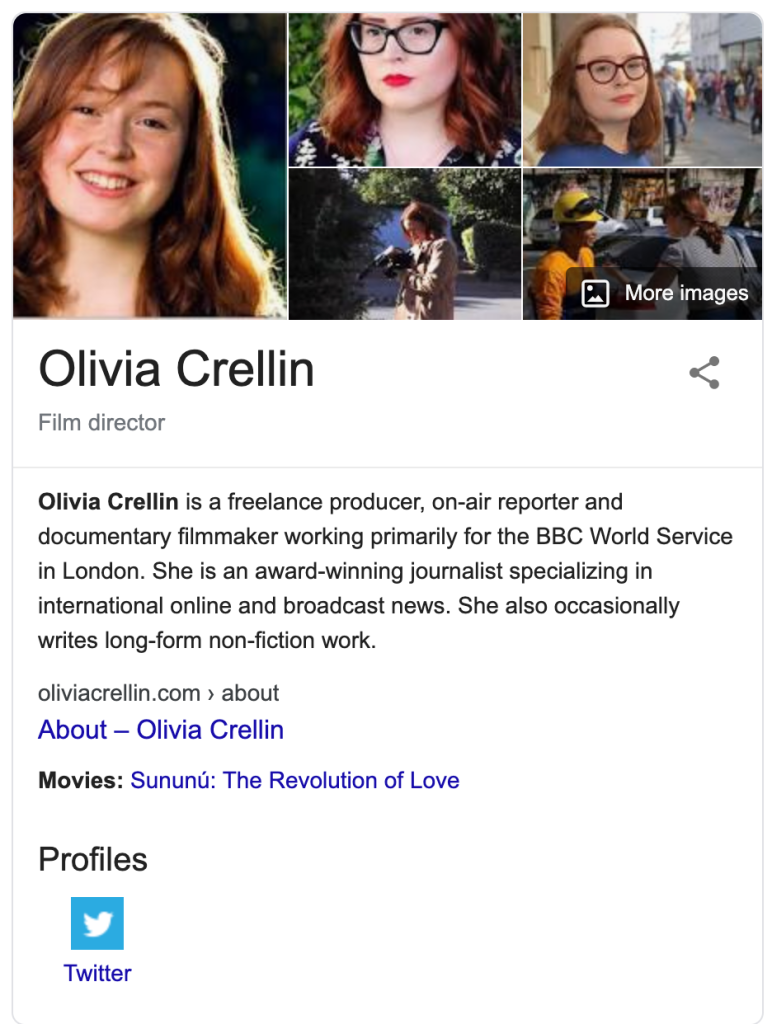
Their talk was interesting and I was highly engaged by it. Due to the nature of their occupation, a lot of the talk was on entering the journalism and film making industry but they constantly reiterated how for any area of the media it is important to “KNOW your audience”. They continued by saying how important it was for you to have a social media presence and to ensure that you find online communities that are focused on whatever area of the media you are trying to get into. With regards to self promotion, they advised that you “plug in and get engaged into niche communities” and that “most people are interested in some kind of personality whether you are a brand or an individual because that is what people connect to”.
At the end I asked them to expand on this when the audience was able to ask questions. I asked a question along the lines of “When creating a portfolio and trying to promote yourself and your work what is a strategy that is effective and is there anything you should focus on?”
Olivia Crellin answered this question by reiterating how it is important to “balance self promotion and engagement on social media platforms”. She then continued by saying “if it’s just one way… With a lot of promotion of your work, it can feel quite one-sided and people tire of that constant humble bragging kind of self promotion”.
“It’s important to make sure you get the balance right, but also to look at what social media communities can offer you in a broader sense.”
“Whether it’s peoples opinions you want…Whether they have opportunities that you can utilise… Whether they have skills or information. It’s about if you can plug into and engage into a community that can support you.”
Jem Collins said “it’s about being strategic with the platforms you choose” and she then expanded on this by saying that “another thing is to be nice!”. It can go a long way when you want to make positive connections. On social media you have to be… Social!”
Here is a link to hear the interview which I managed to get with Olivia Crellin at the end of her talk.
https://drive.google.com/file/d/1CdEiWRJSNTiGhCM7VAiRq62BN-qdoXAk/view?usp=sharing
She seemed enthusiastic about the module and has really motivated me to begin working on my social media presence and my portfolio. But before I started with the build, I decided I needed to evaluate the advice that I have been given from Jeremy and Hannah.
Jeremy’s Feedback
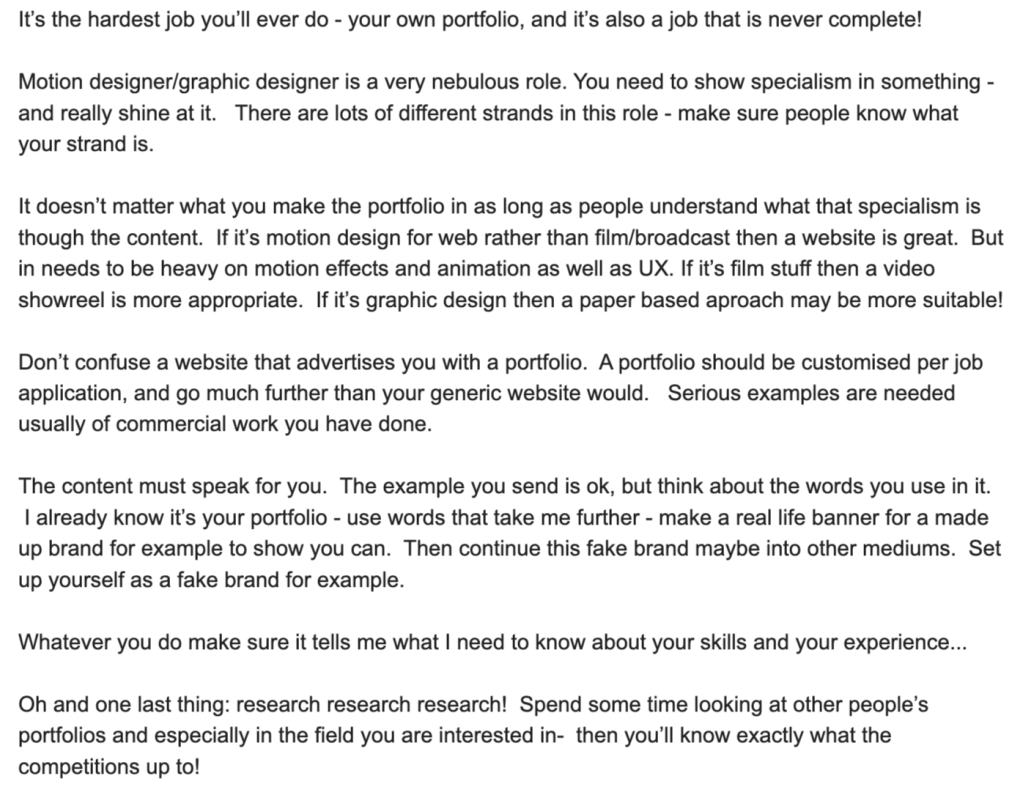
What Jeremy has said here has changed my thinking and my approach to my portfolio build quite a lot. The first notable aspect of the email is where he has advised that we “find our strand”. I had to start thinking – what is my strand? I can design and animate, but what specific area of animation or design am I specialised in. I initially thought 2D vector designing and animation. When designing my portfolio I will consider mentioning this as my strand and try to convey this in the content which is viewable. I feel like Jeremy’s advice on customising portfolios to certain jobs is also quite useful. I can include a fair amount of commercial work in my portfolio, which I feel is a great asset for myself. It’s just a question of which work I choose and how I decide to present it.
The phrase “setting up a fake brand” is something that resonated in this e-mail. I have already started to imagine what kind of ways I could do this… What I have seen done before is designers generate logos for themselves. I would like to incorporate my logo into this animated banner and then have a very presentable polished off animation which can operate as a memorable introduction to myself and my skills.
Here are a few examples I created recently…
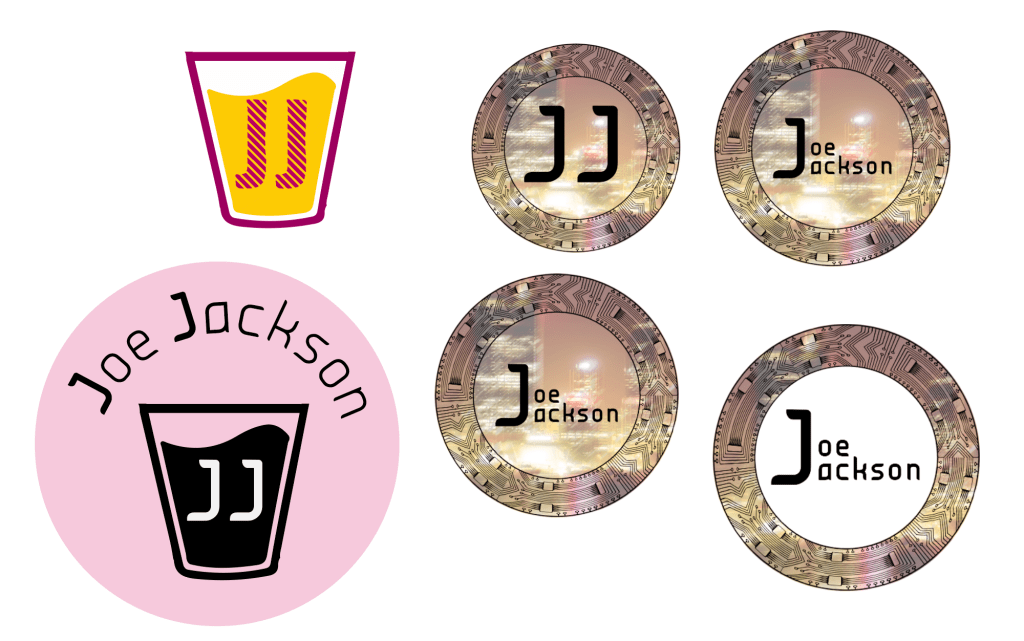
Being a massive admirer of 2D and liquid animation I first thought that a creative way to present my initials/name would be with the theme of juice. Both “Joe” and “Jackson” begin with “J” and there is a bit of alliteration which I can incorporate into the logotype by using juice. This appeared as a candidate as well as this piece of design I was working on a year ago which was themed on London, where I am from. Obviously I want my logo to have some form of my identity attached to it.
Hannah’s response
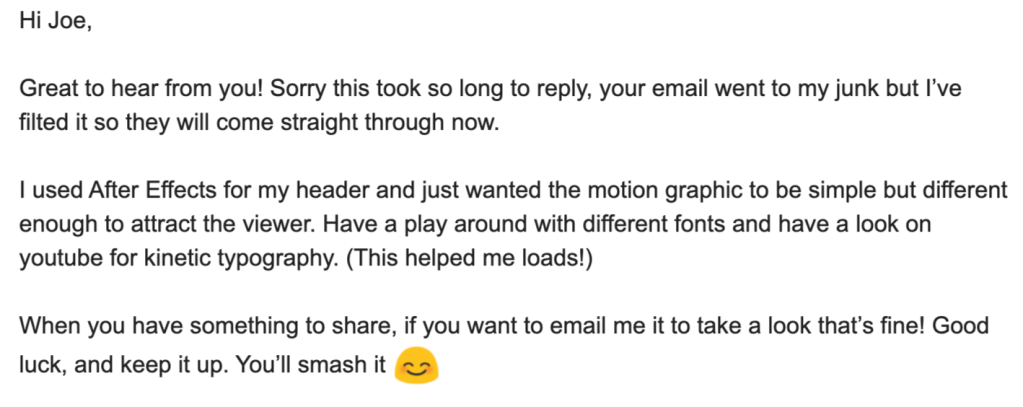
Kinetic typography is an animation technique that I have always been fascinated by and I want to try it out. Hannah’s banner was really intriguing and if this is the method which she opted for then I would like to experiment with this. Using the different fonts may be another way of taking the video further and to emphasise the fake brand I am developing for myself.
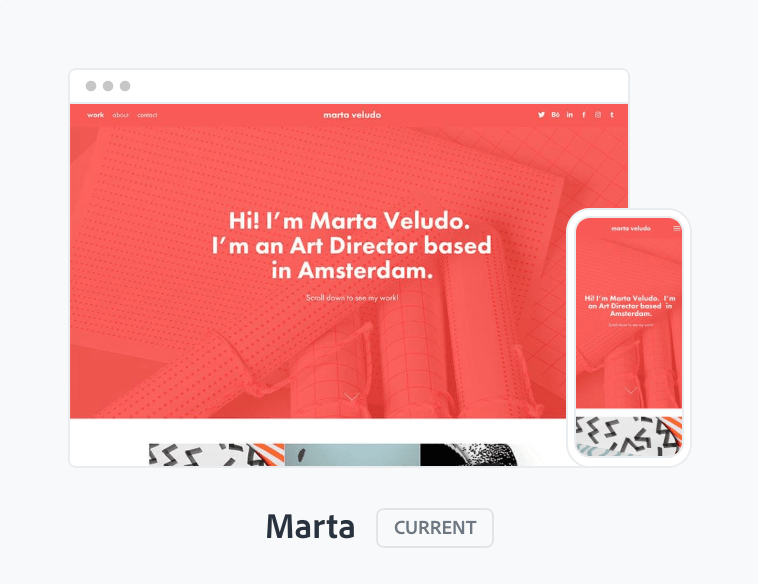
At the end of last week I decided I would get going with the portfolio build and even if it was just a template that I have edited slightly, I thought it would be good to get the wheels in motion. I started off by selecting a layout style. I decided to select Marta from the selection of custom themes because I was intrigued by the layout options.
https://medium.com/@AdobePortfolio/say-hallo-to-marta-our-newest-layout-466537656236
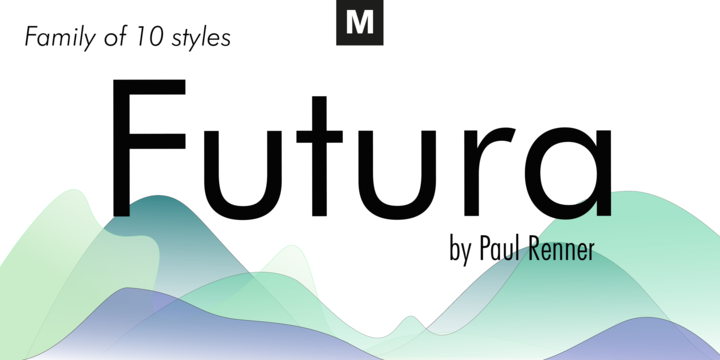
There is a function called a masthead, which is essentially the header of the website. I really wanted to showcase my motion graphic skills with the banner that I am working on and by using this layout I am able to place the video file into the masthead. This is an approach that Hannah went for and something I am keen to do myself. Marta allows me to do this and also has a really sleek customised layout with a really nice font. I am a massive admirer of Futura and I often use it in my design work I produce.
So far, for the site I have placed my (incomplete) animated banner into the masthead of the home page. and I have experimented with some logotype I generated. I also placed a few pieces of work into the sites animation build. The pieces of work I included were my highest quality / most industry standard 2D vector animated examples.
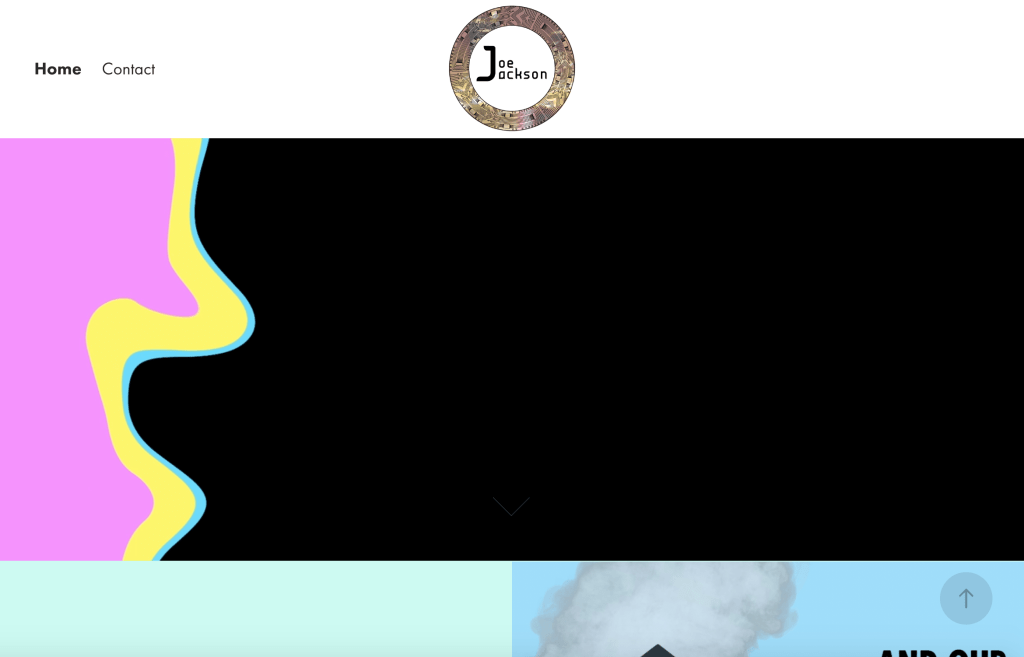
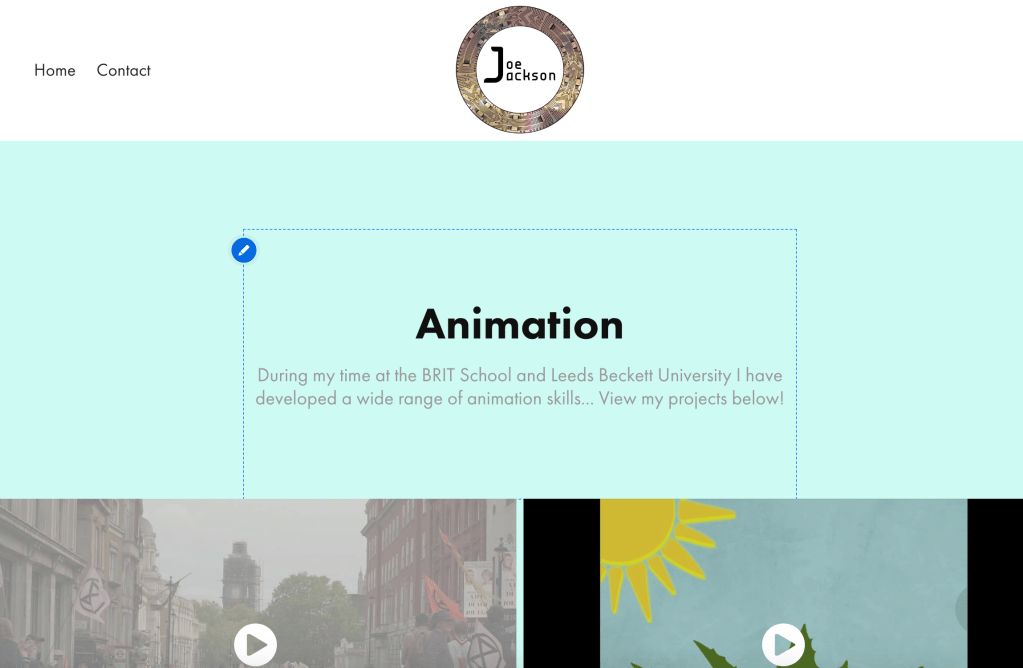
At the moment there are many changes that need to be made –
- The animated header (kinetic typography incorporated and logo/fake brand added)
- Further customisations to page layout (colour of navigation container and background)
- Logotype decisions need to be made and then added to the banner and site
- Social media links + social media profile design/adaptation (in relation to site design)
- Navigation bar needs to include graphic design + animation page links (ease of use)
- Graphic design page needs to have relevant work uploaded to it
On a final note, I put together a short showreel of my 3D animated work and after effects work I have produced over the last 5 or so years… I thought that these pieces of work might not demonstrate my greatest skills but if I separate the better parts from the worse parts and compile them into a video I can add these “fringe” pieces of work to my portfolio to bulk out the content.
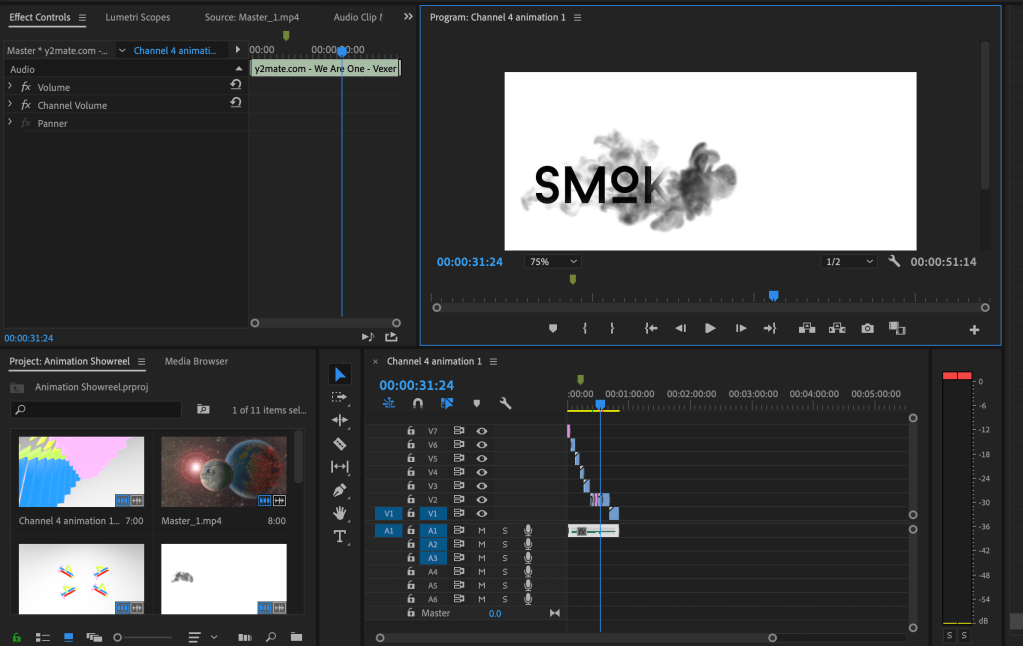
I can put in my featured (most polished) pieces of work at the top of the page as stand alone productions. I’ll place the showreel lower down on the webpage. I put these pieces of work together using premiere and I added some music to the sequence to accompany the visual content. Of course I explored transitions and attempted to make the showreel as cinematic as possible.
Further portfolio build progress – Friday 13th March
The deadline is approaching for my final portfolio submission, so for the last few days it has been a case of polishing off the details of the site. Something I was advised to do by my tutor was to put “animation’ and “graphic design” links in the navigation container. He mentioned that this would improve the sites functionality and that it is a more conventional approach. He also advised that I reconsider my logo design. I think the reason for him suggesting this was that he didn’t think that it suited the theme of the rest of the site and that I would benefit from choosing something slightly more illustration/vector based. I was told to further explore my “juice” idea which lead me into creating these iterations…
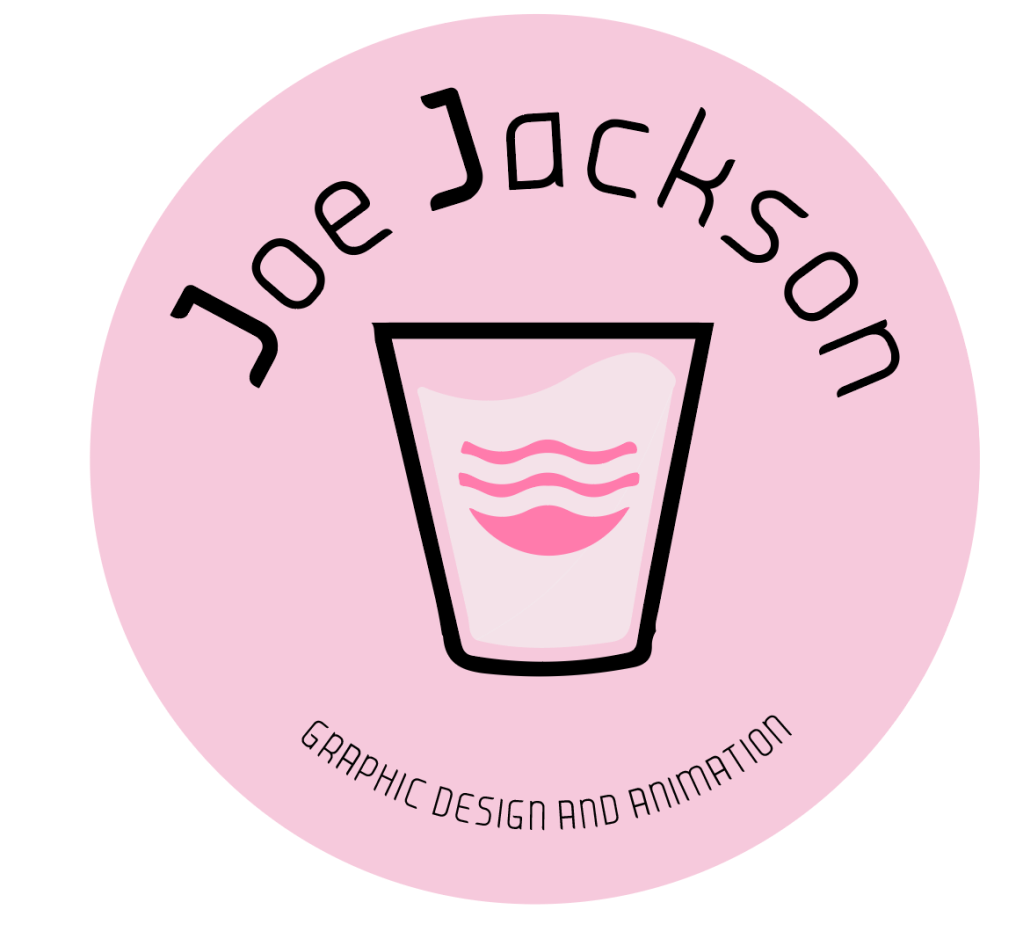
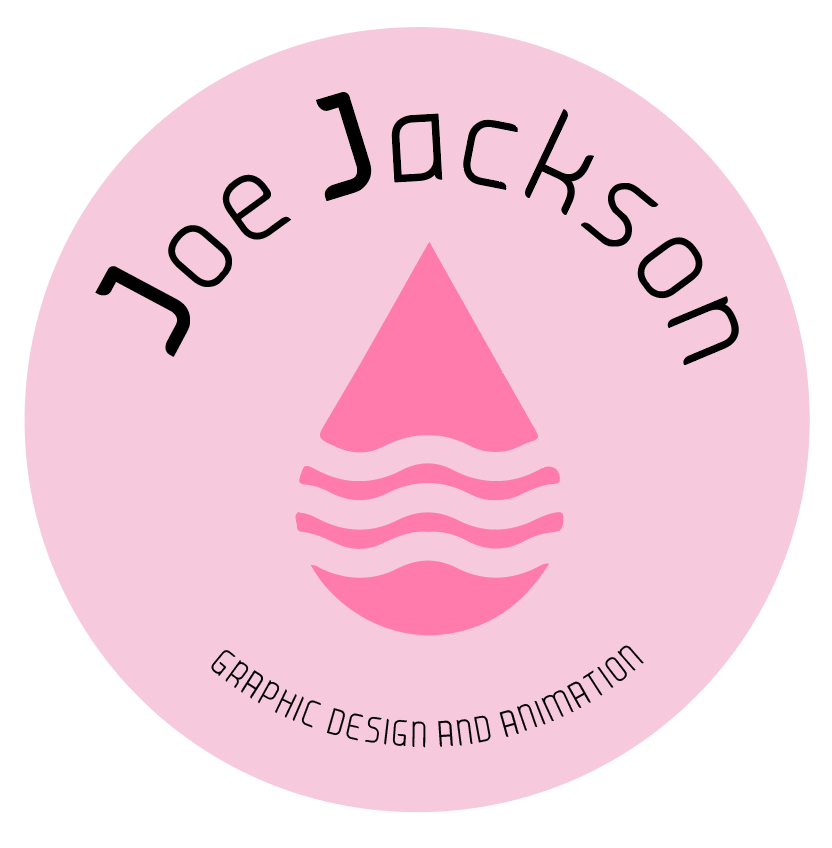
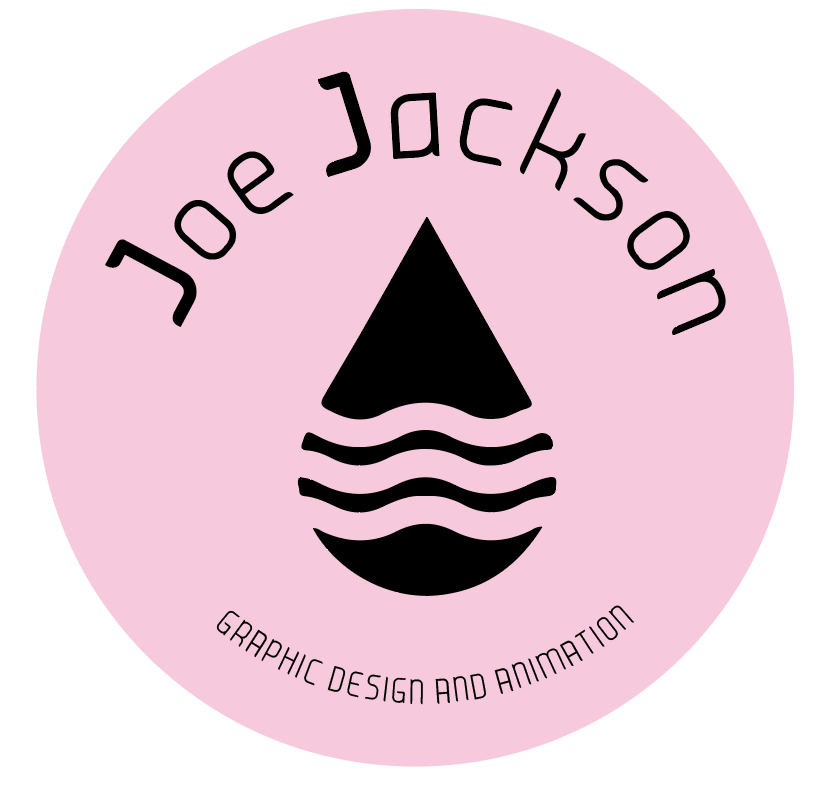
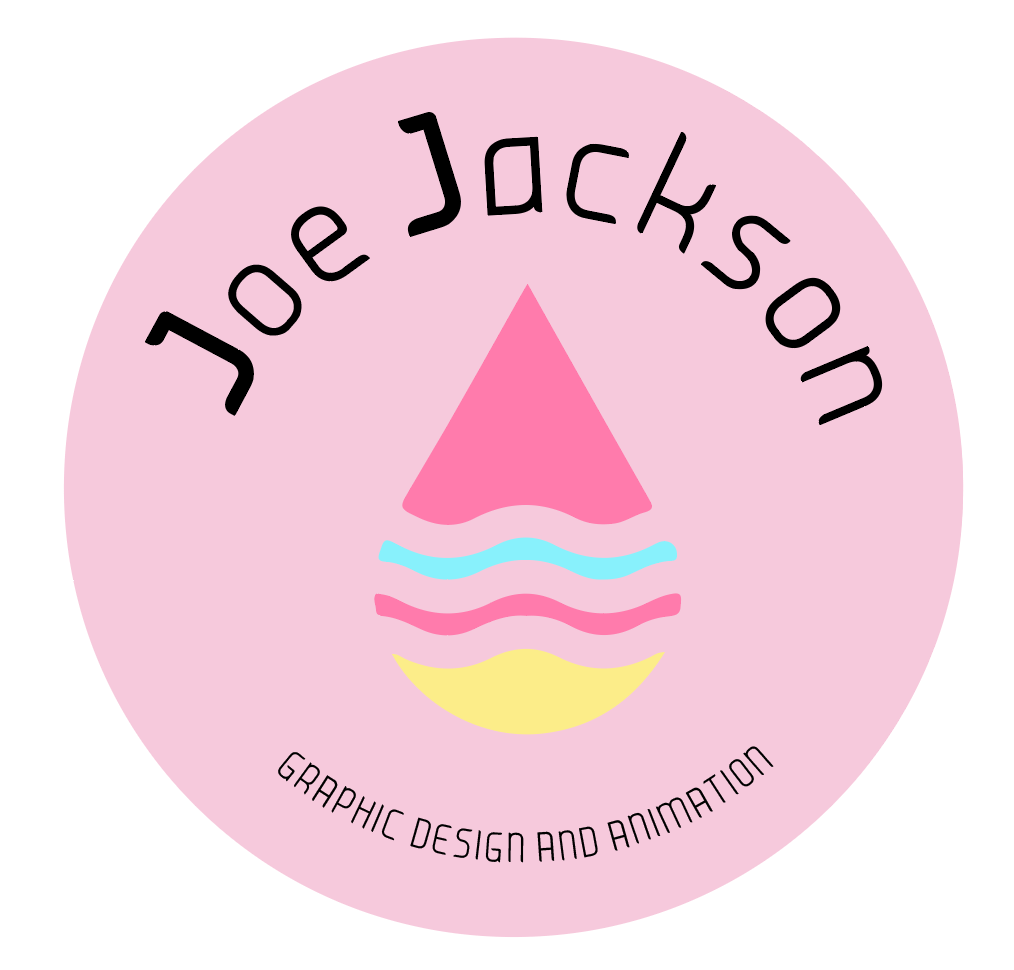
I needed to include for iconography into the logotype so I added this liquid drip illustration which I would then proceed to add the yellow and blue to. Then I thought I would re-introduce the juice theme to it by placing the icon into the glass vector.
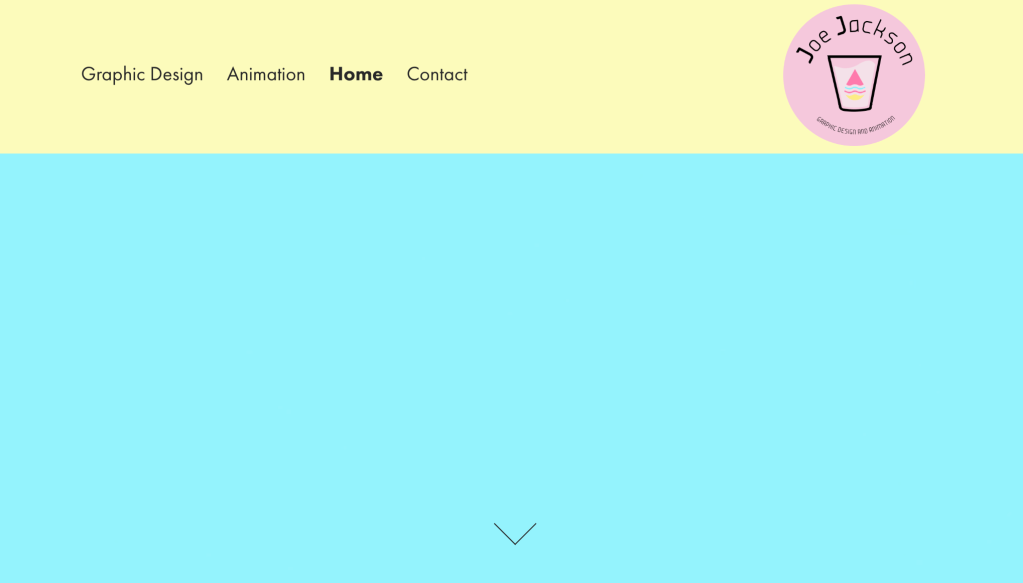
After the finalised logo design, here is my updated navigation container. I think it’s starting to look a bit more styled and I owe this to the advice that Jeremy gave me.
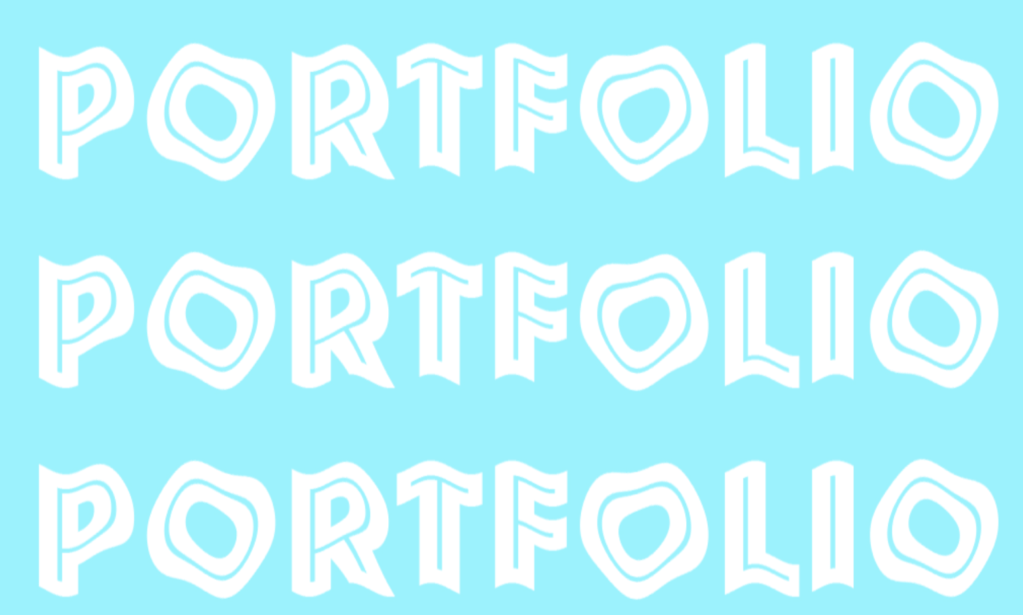
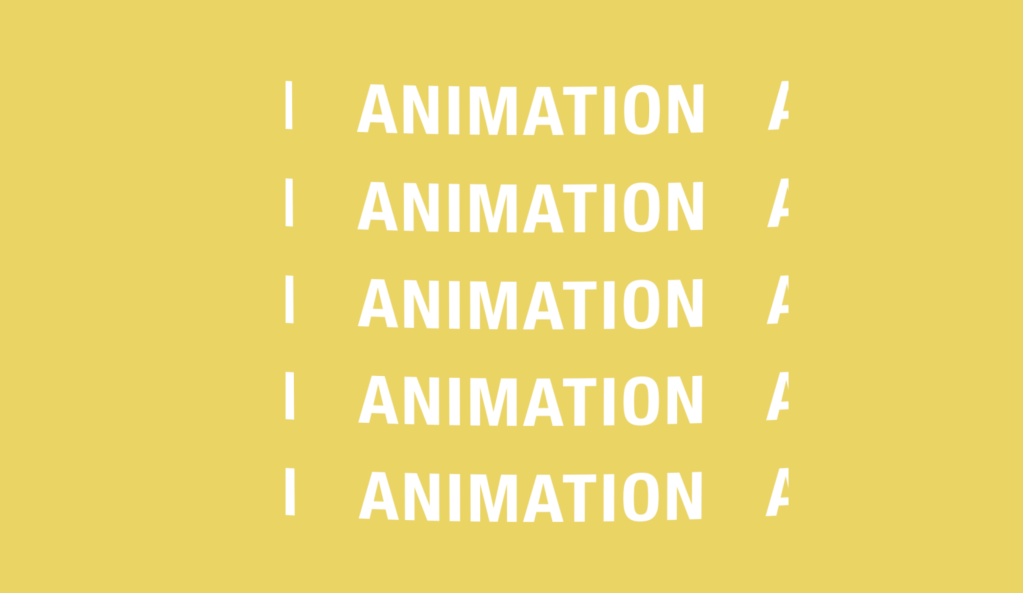
Now I decided I would add more detail to the banner while considering the advice that Hannah and Jeremy gave me. I started by adding the “fake brand” element to my logo that was recommended by Jeremy. In order to achieve that I inserted the logo into the banner as a png. After this I switched on 3D layer capabilities and made it spin on its y,x and z rotation settings. This generated the effect of it spinning in to enter the scene. I then key-framed position and scale settings to give it a bouncing effect after it’s entry to the scene. With what Hannah advised in mind, I adapted my banners content using kinetic typography effects. The text and shape effects were used to take the banner slightly further. I think I have used better words this time and also used different typefaces. It’s an introduction to my skills and my interests and it goes slightly further than just saying “welcome to my portfolio”. It’s now saying “welcome to my portfolio – this is my skillset” (following Jeremy’s advice).

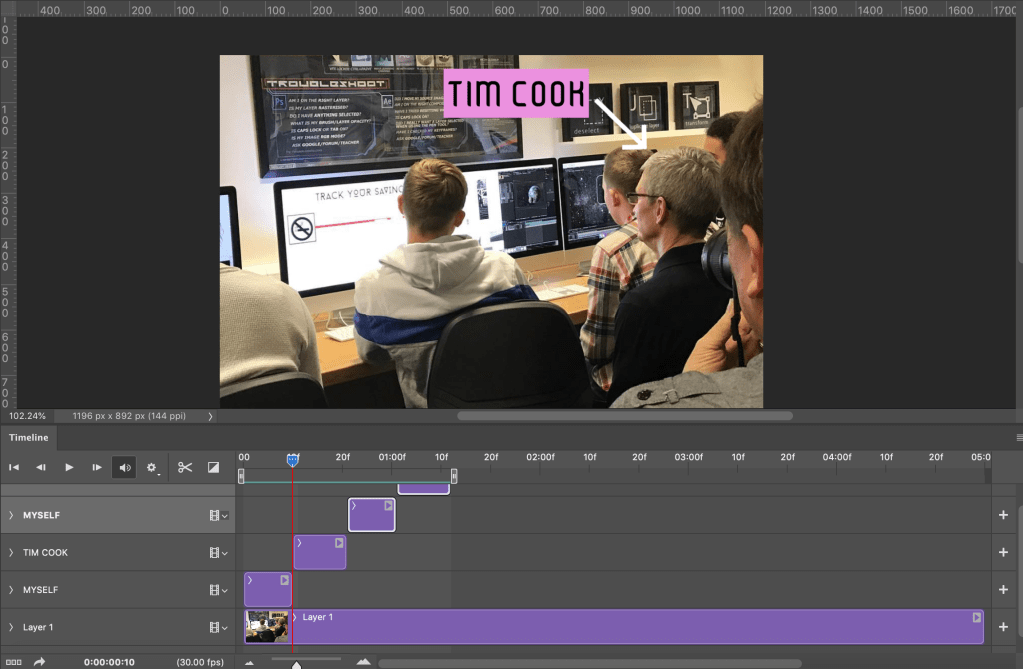
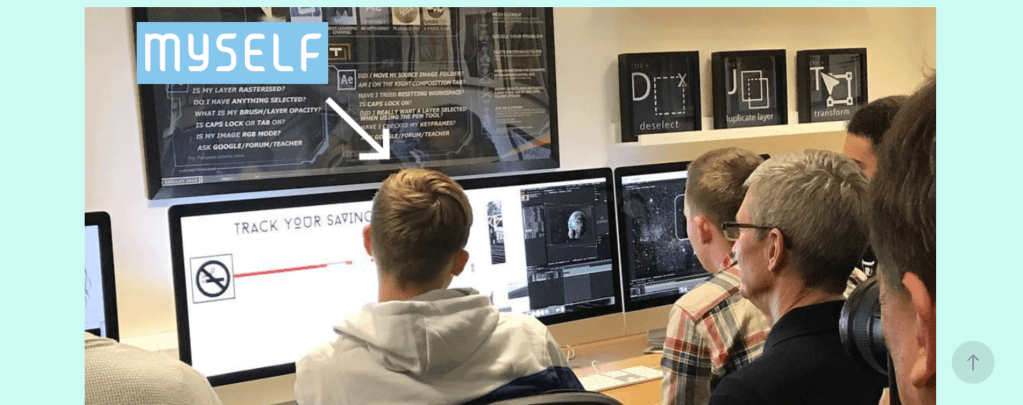
Another touch I have been keen to add is a featured gif of the time that I met Tim Cook, the CEO of Apple. My tutor thought that this might be a nice touch and I thought perhaps I could include this to add an element of humour to my portfolio, but also it is a physical demonstration of one of the experiences I have had learning about the creative media industries. I made a gif using photoshop animation capabilities. I made two layers, one with an arrow pointing to myself labelled “myself” and the other on Tim Cook labelled “Tim Cook”. I edited the timeline so that the two layers would switch from on to off ten every ten frames.
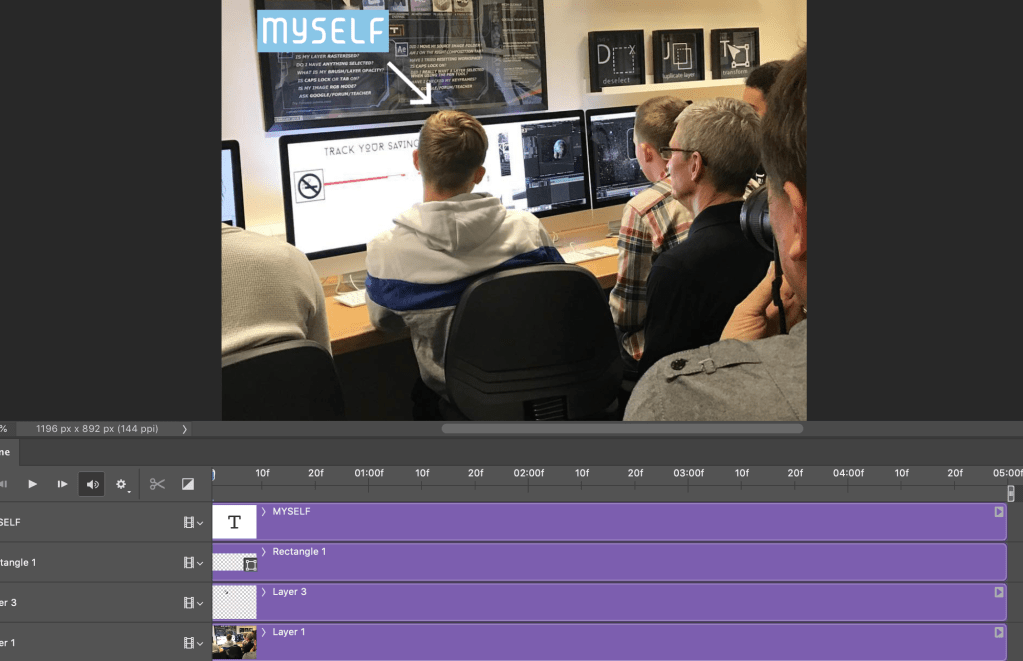
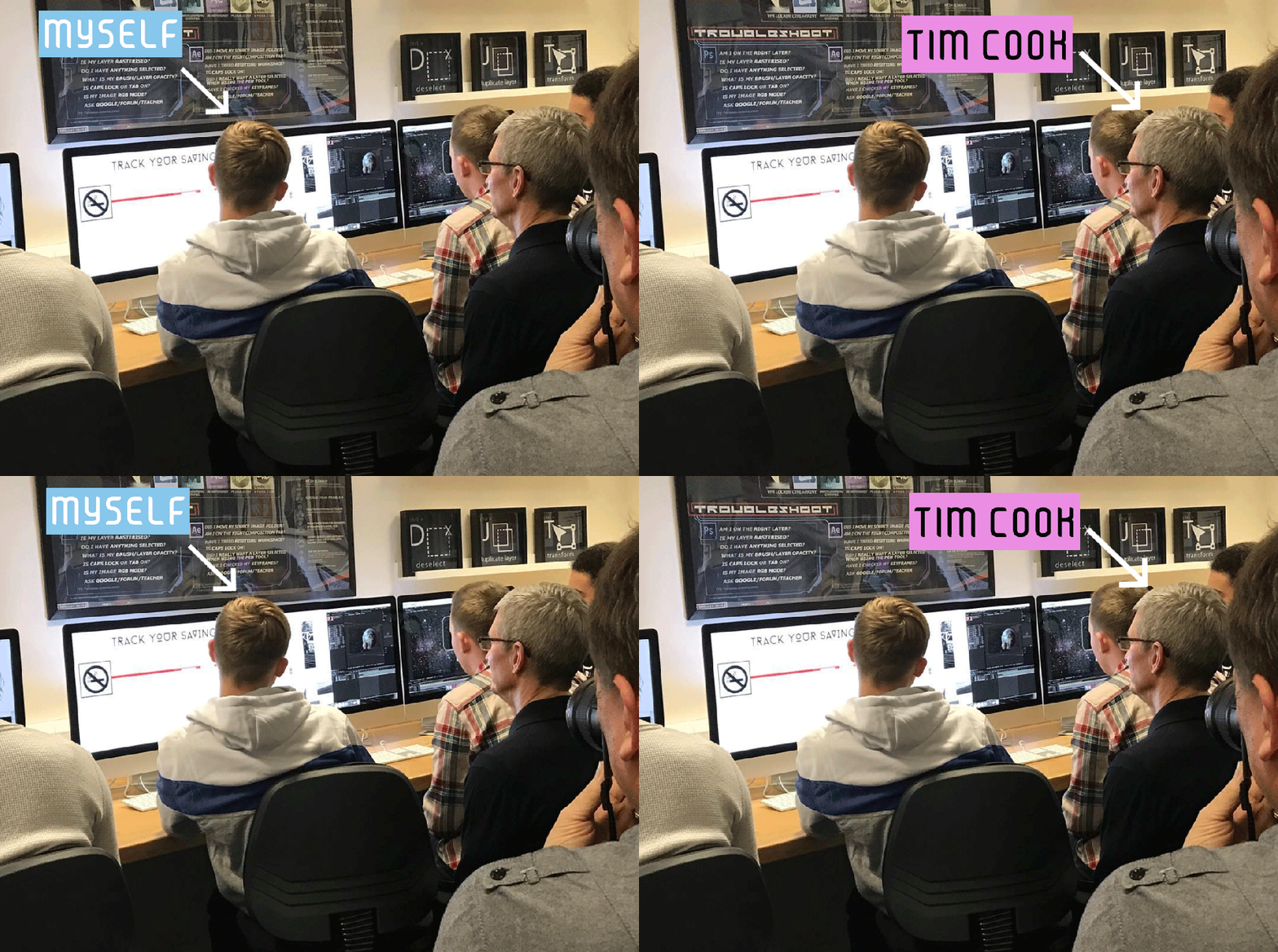
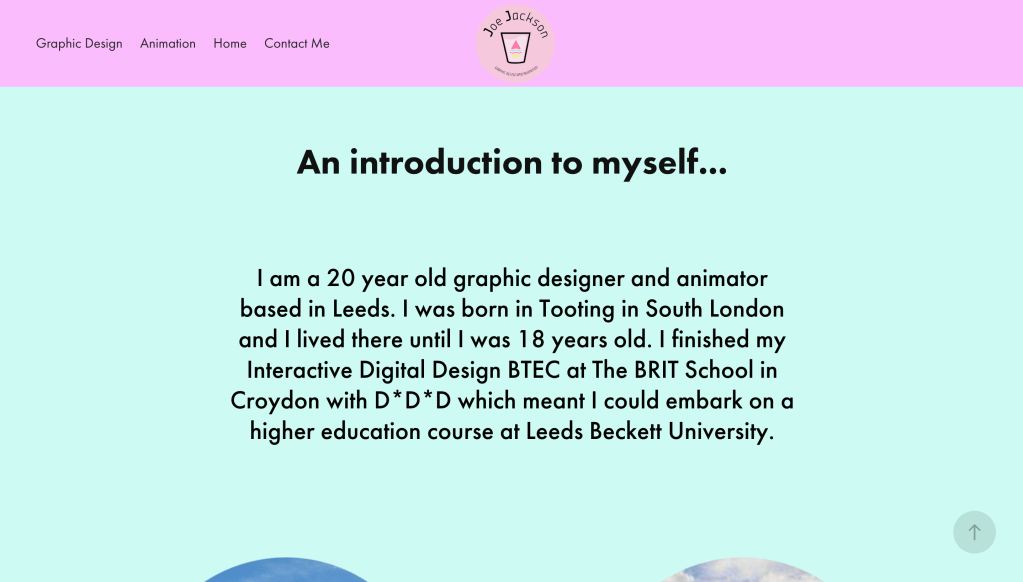
I decided I would make this part of a page labelled “An introduction to myself” which is accessible from the home page. I thought that doing this is would be a suitable way of adding an introduction to my character and this then prompted me to think further about my home page and it’s navigations.
“What else will be accessible from the home page?”
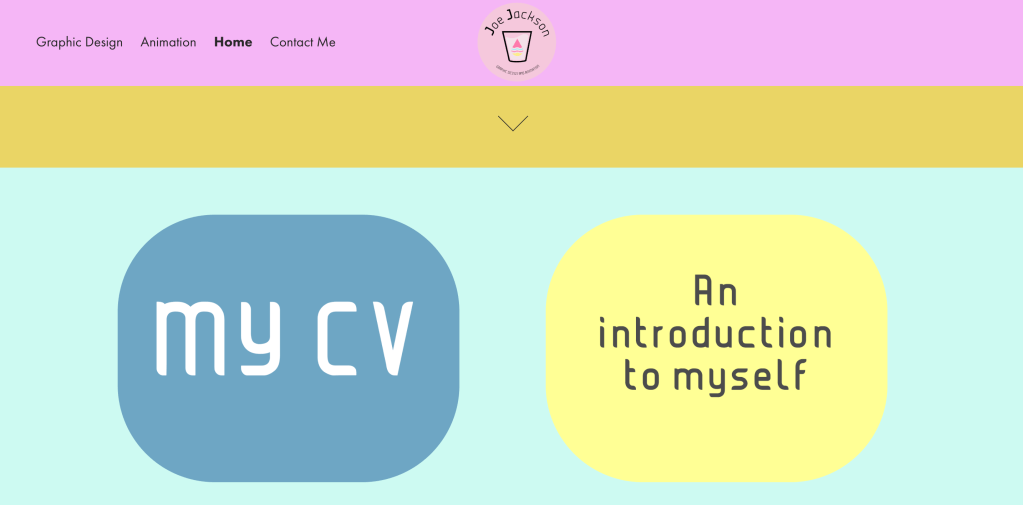
I didn’t want to make it too convoluted, so I decided I would stick with the “introduction to myself” page and also a page for my CV. I decided that having this viewable on the welcome page would be a good idea in case there are any potential future employers who are browsing my site. I stripped the text content from my paper CV and added it to inDesign where I moderated the colours.
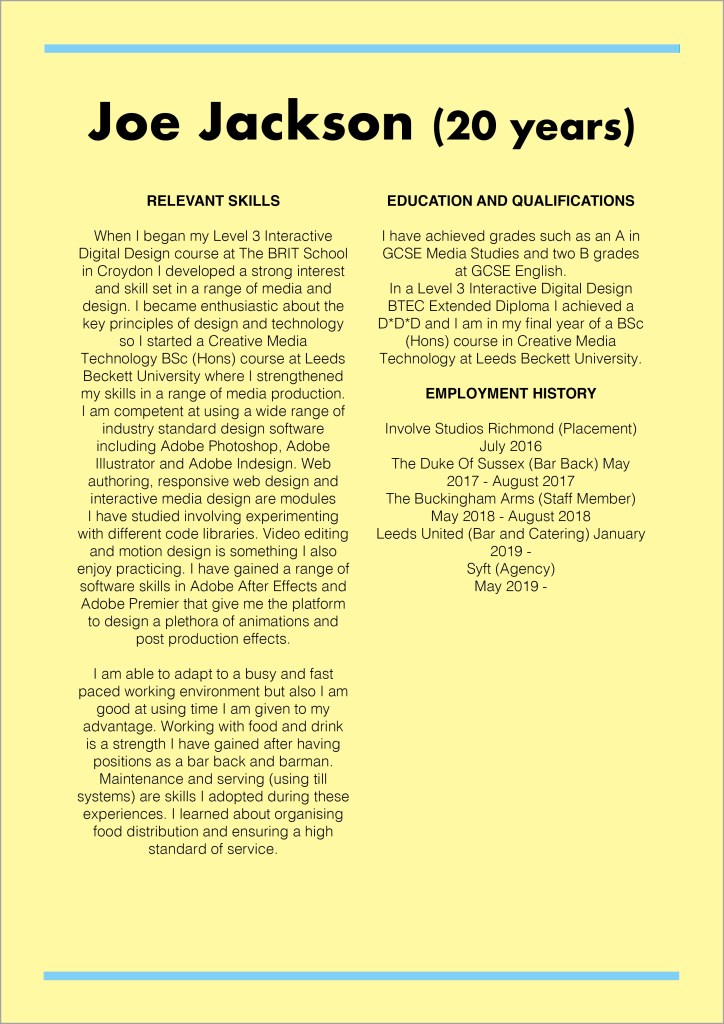
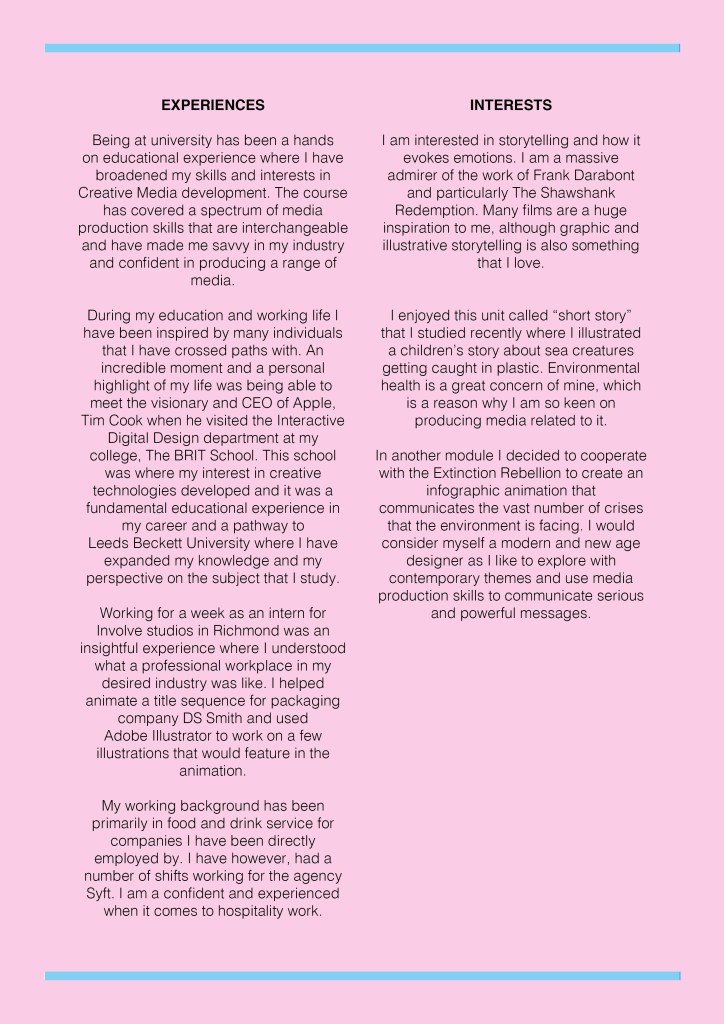
Here is what the home page looks like now, from top to bottom. I designed some buttons in Photoshop and then linked them to their respective pages in Adobe Portfolio.
Page Details – An introduction to myself
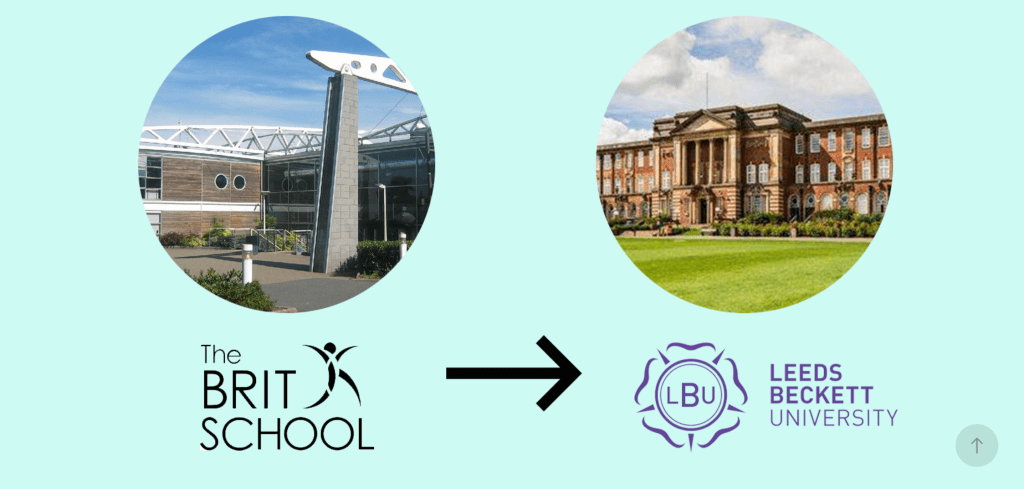
I wanted to keep this section short but sweet. There doesn’t need to be mass amounts of detail as the majority of the information about myself that people will be reading will be located on my CV. I attempted to condense all the important information about my education and experiences into about three paragraphs. I designed a graphic in photoshop which illustrates my creative media education using photos of my old college, my university and their logos.
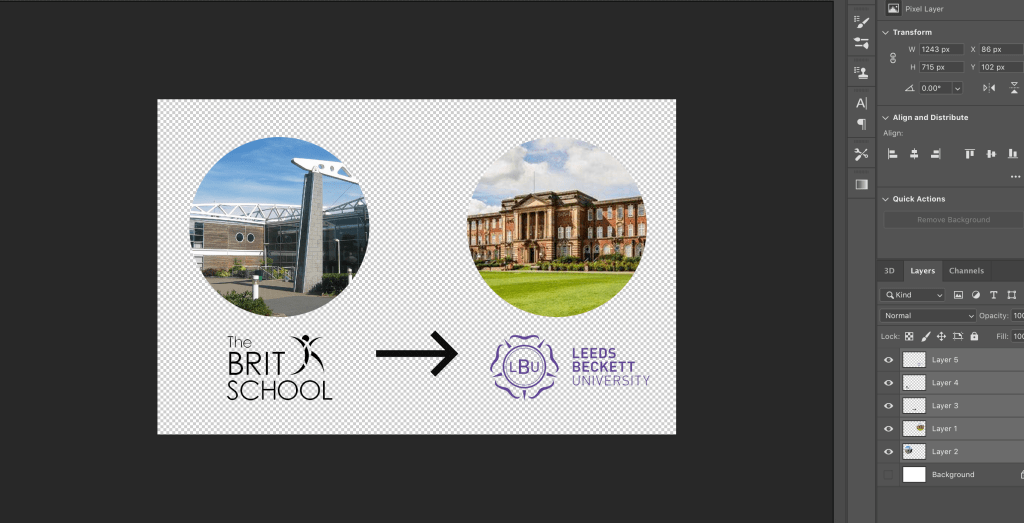
After compiling all of the graphics and text together this is what my the “introduction to myself” page looked like from top to bottom.
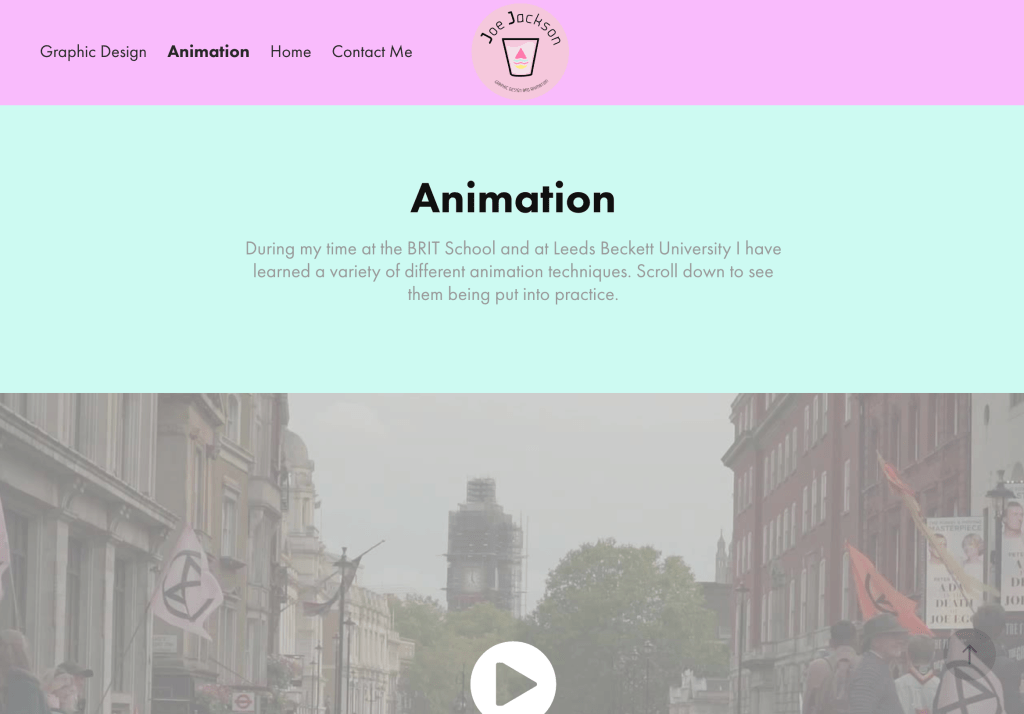
The “Animation” page
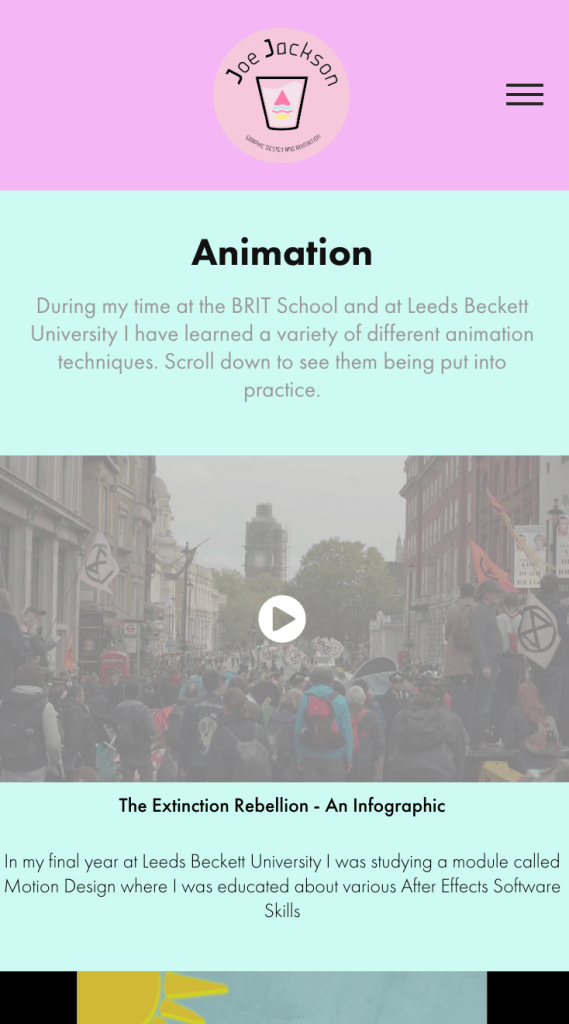
Adding all the work into the portfolio was the next task. For the “animation” page I decided I would have a single column with the video files filling the width of the screen. I did this as I thought this could be a slightly more mobile friendly approach but also because I quite liked the thumbnails of the videos being slightly larger. It makes the videos look slightly more enticing. When on a large scale, a snippet of the video is viewable this can make a user more likely to view it.
Page Details – “Graphic Design”
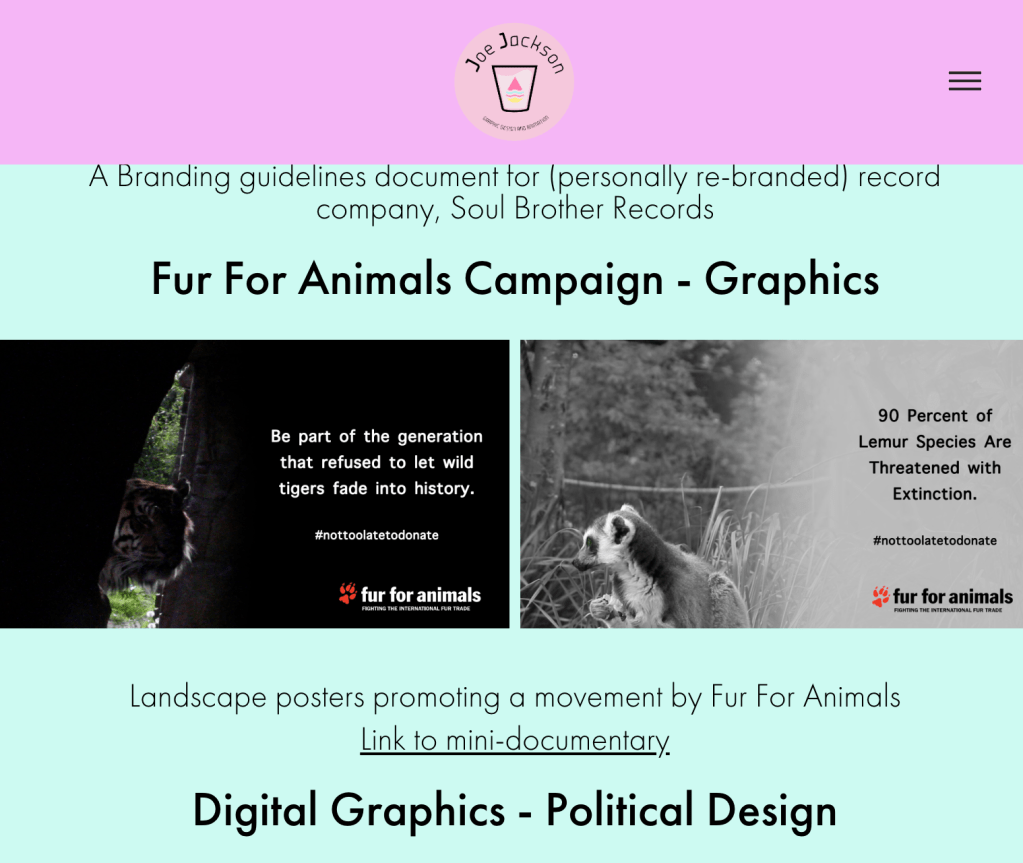
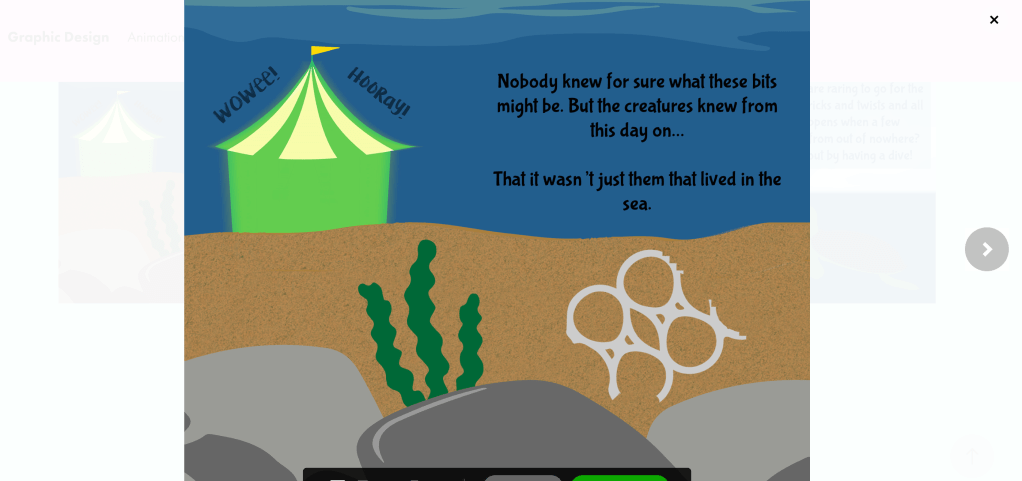
For this page I took advantage of a very useful function of Adobe Portfolio. It has a grid creator which automatically organises a selection of photos that are imported into the site builder.
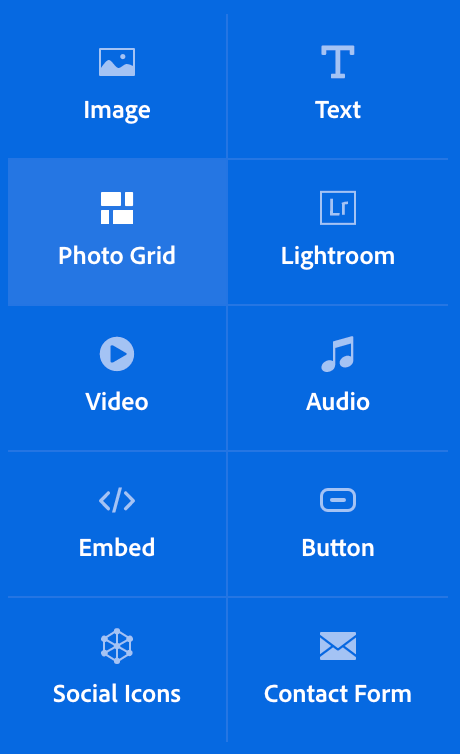
Automatic collages were generated for my artwork.
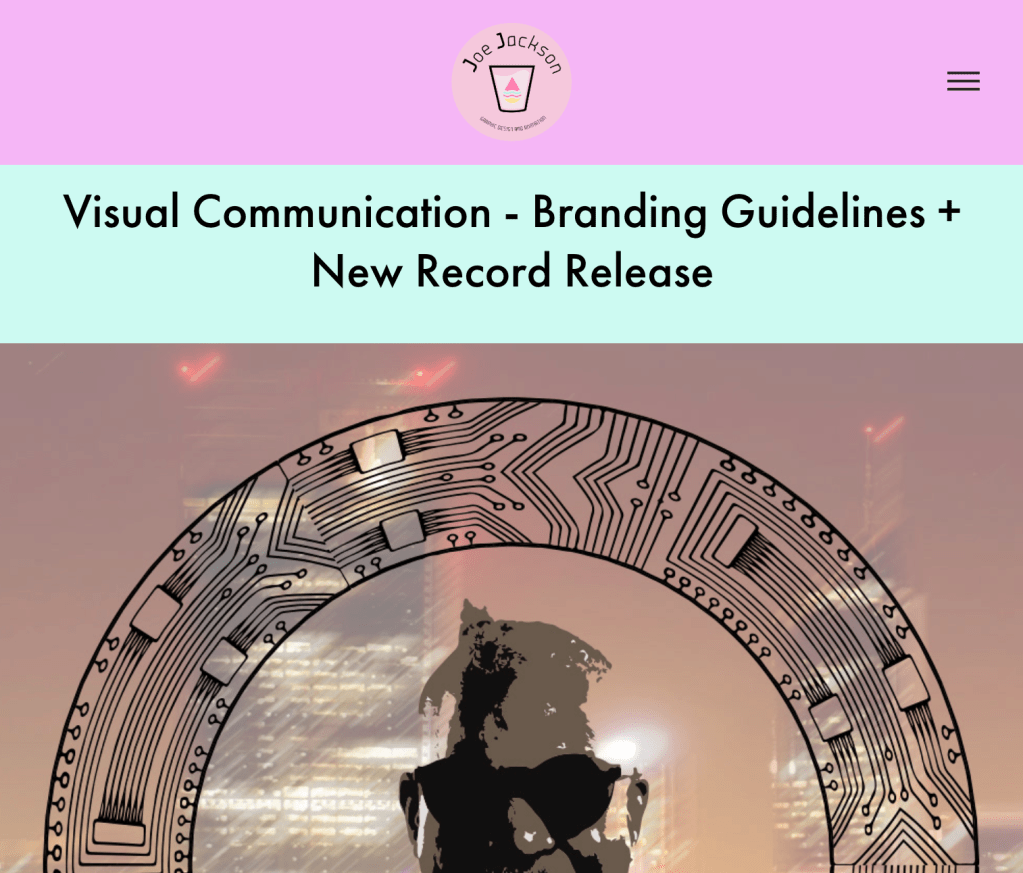
When a photo is clicked/tapped the user can view the image galleries in a slideshow.
Evaluation + Social Media Account Designs – Ideas on Engagement (Responding to Olivia Crellin’s advice) – Friday 13th March
It is upload day and therefore this is the final blog post of this portfolio production journey. The site is complete now and can be viewed using this link –
https://officialjoejackson.myportfolio.com/graphic-design
I created various social media accounts using my new logo which have links to and from my portfolio.

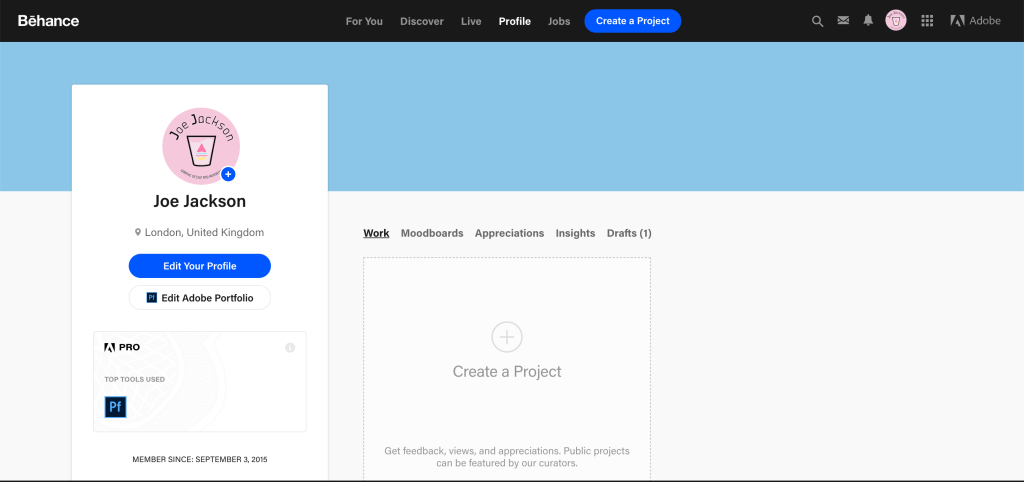
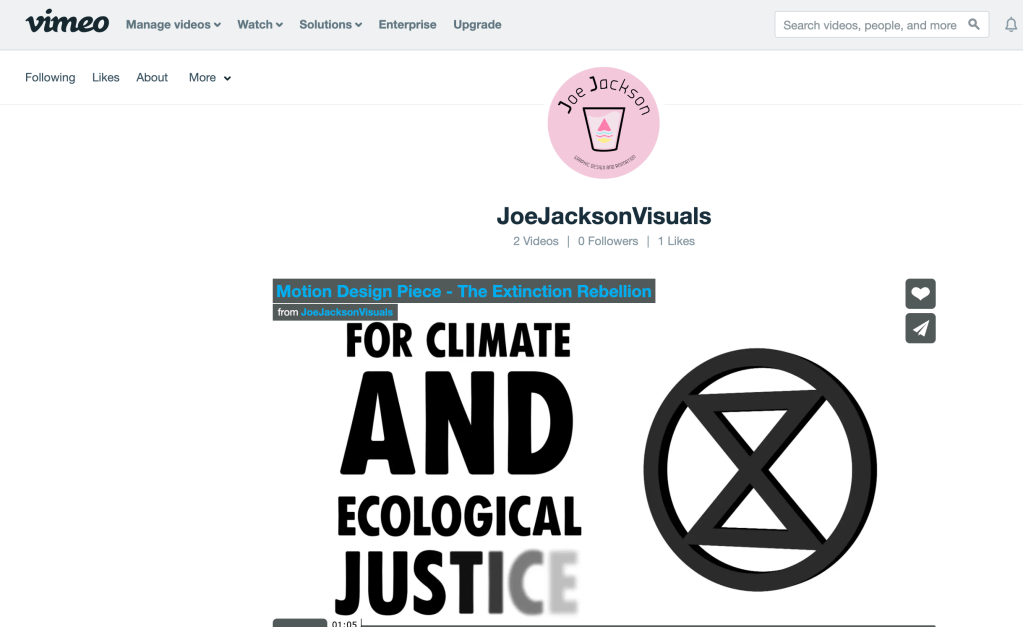
The social media links I have decided on are Twitter, Behance, LinkedIn, Vimeo, Instagram, YouTube, Pinterest and Dribble.
Behance
Vimeo
Youtube
Dribble
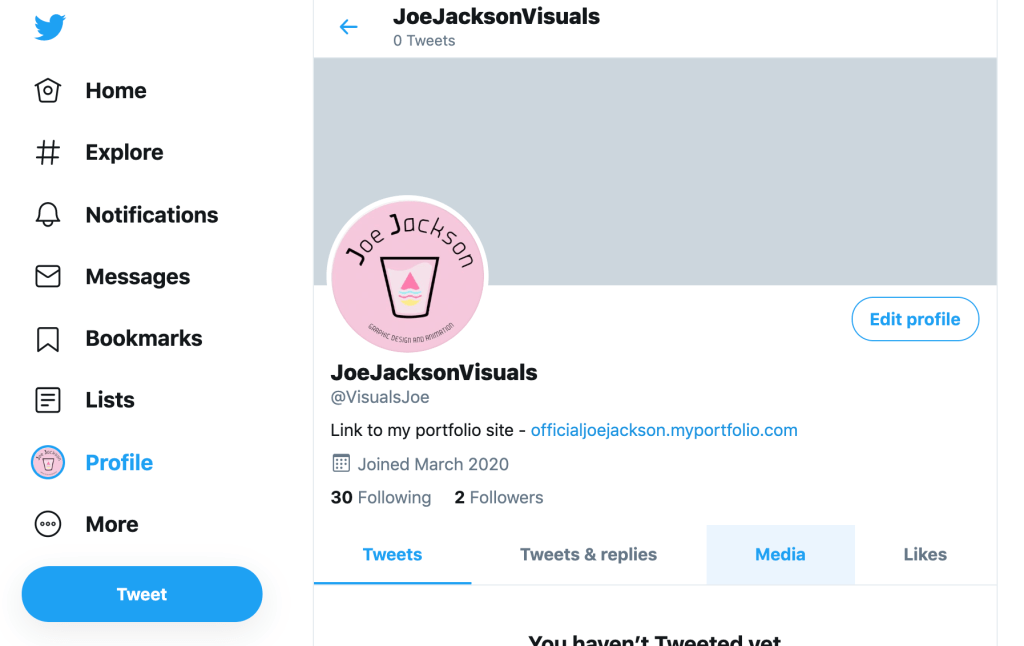
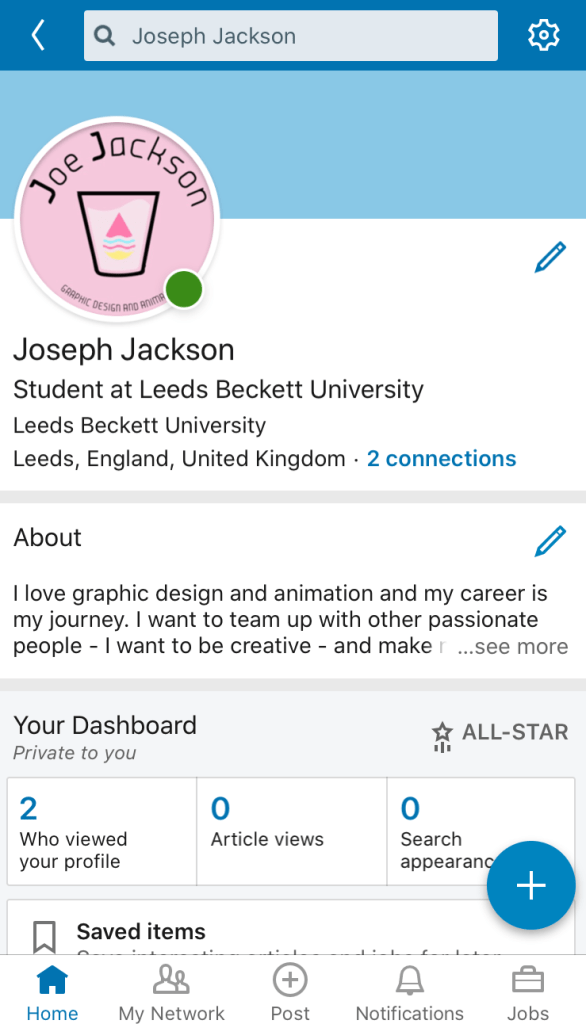
Olivia Crellin advised me to try and find some niche communities online where I can share my work and make connections with the right people. Of course the most renowned social platform for employment and jobs is LinkedIn. It was a no brainer to sign up to LinkedIn because on the platform there are plenty of opportunities related to my desired industry.
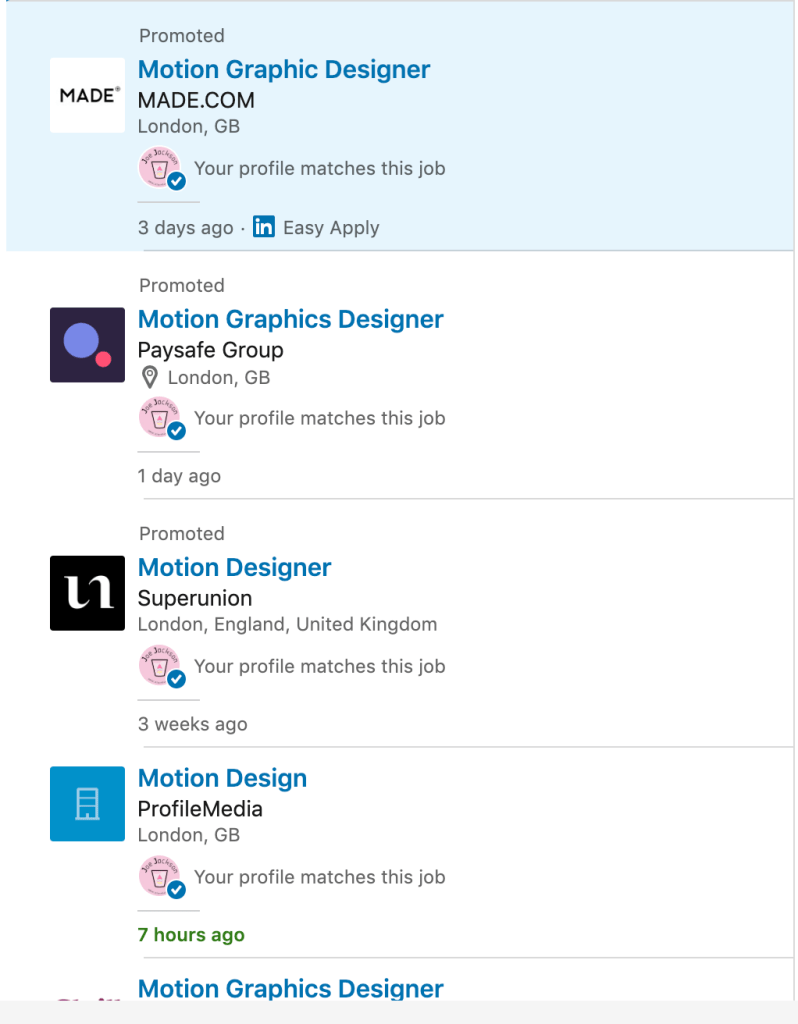
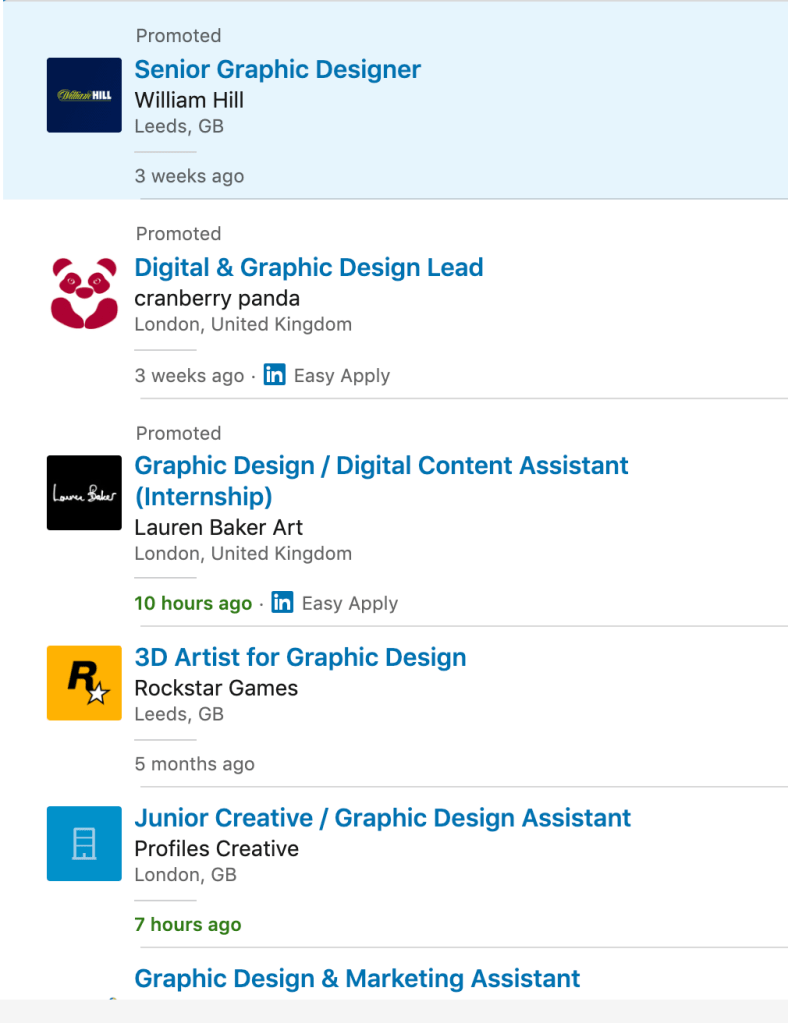
Networking on LinkedIn will develop my commercial awareness of the animation and graphic design industry. I will ensure my portfolio is viewable from my LinkedIn profile and I will attempt to engage with the platform enough to get this viewed by employers.
I thought it was a good option to try and use video sharing communities like YouTube and Vimeo for my animated work and to use image sharing platforms like Pinterest, Instagram, Behance and Dribble for my design work. It is now a question of and how I take advantage of these platforms.
On these work sharing platforms (whether it’s video or graphic sharing) I will make sure I exhibit some of my personality. Olivia also mentioned that the way which you communicate with other users on the platform (if you show personality and charisma) is key whether you are trying to establish yourself as an individual or a brand. I expect the way I will go about my engagement will be commenting on work that I like. I want to be friendly and collaborative on the platforms in the hope that I develop a reputation. Being a positive character and also producing high quality work will be something that will gain recognition, hopefully from employers or agencies.
On reflection the journey I have been on for the past few weeks has been one where I have become quite a bit more savvy with my desired industry. Going to the pathways event and interviewing/emailing industry professionals has put me in quite good stead to get employed after uni. I am very satisfied with both the aesthetic of my portfolio and also the UX elements of it. The user has quite an immersive experience with nice transitions. While using the site, the user is demonstrated some work that I believe could be of interest to potential employers. It is also worth mentioning that the website is responsive and is viewable on all devices in both landscape and portrait viewpoints.
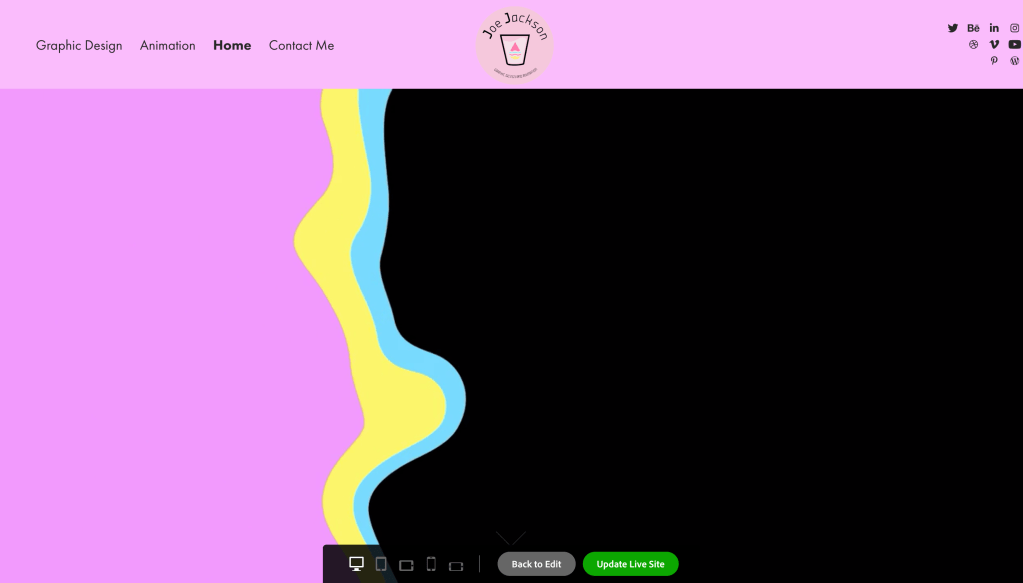
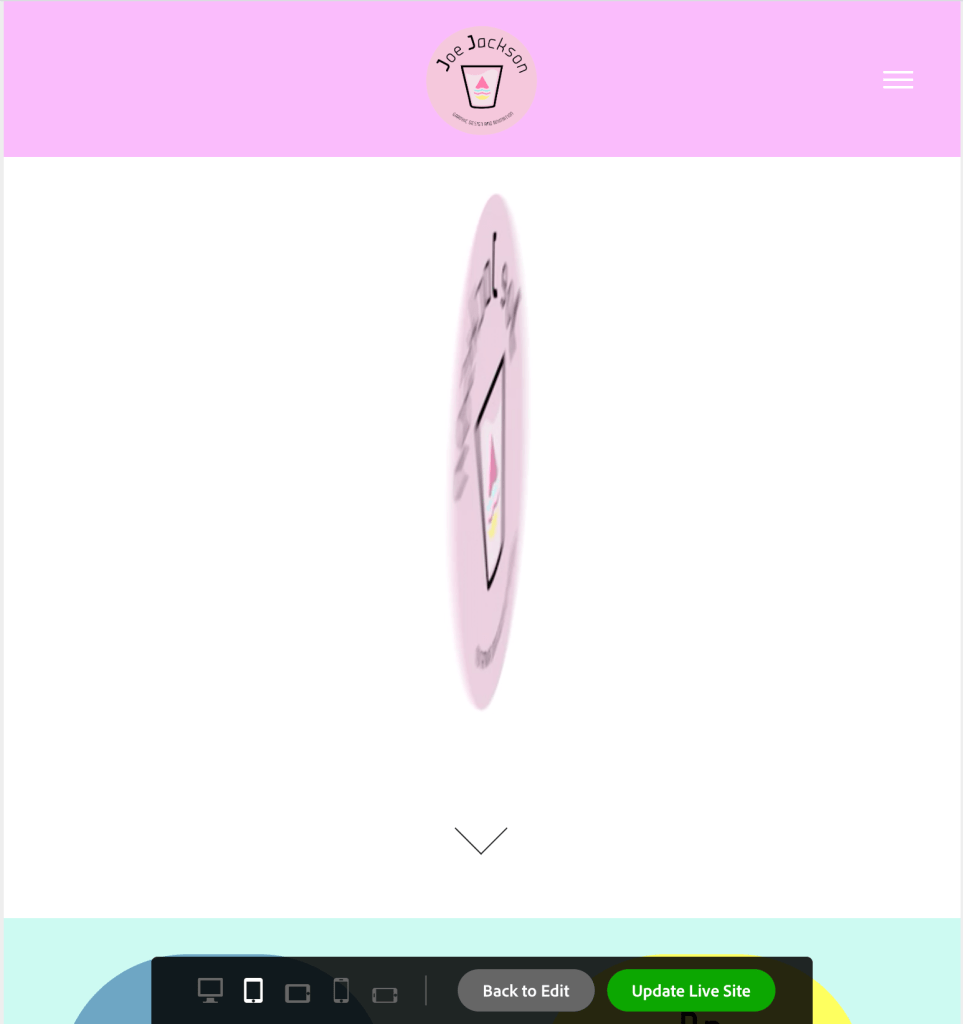
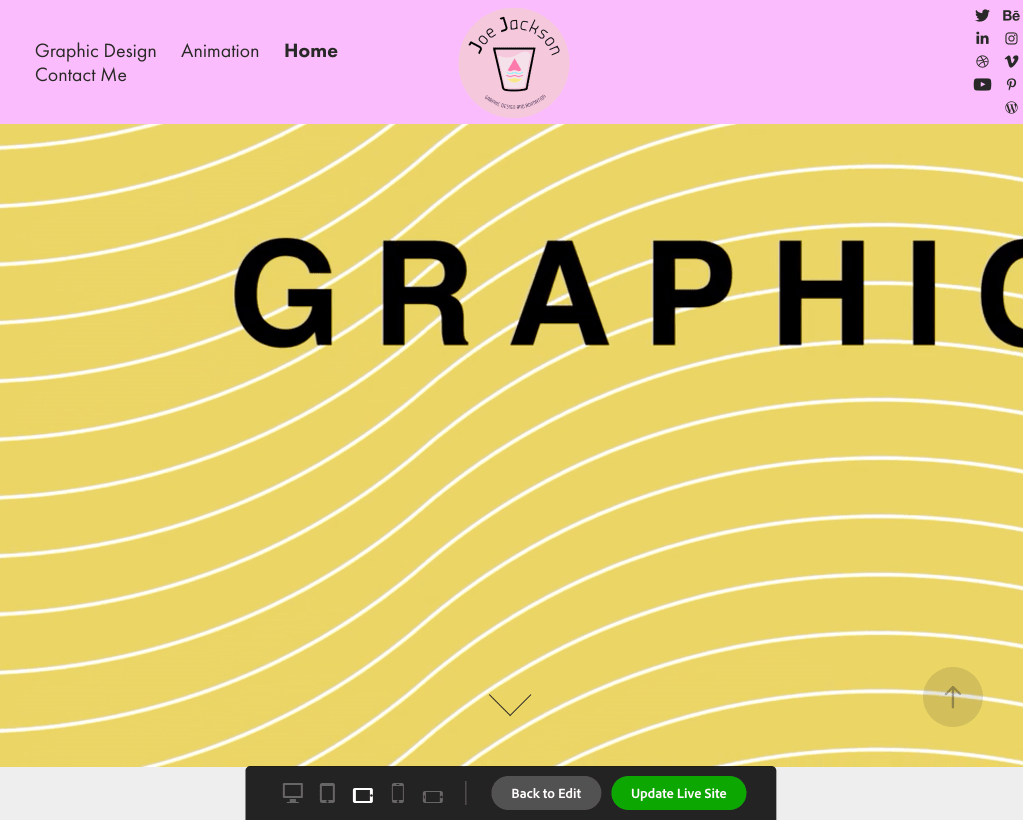
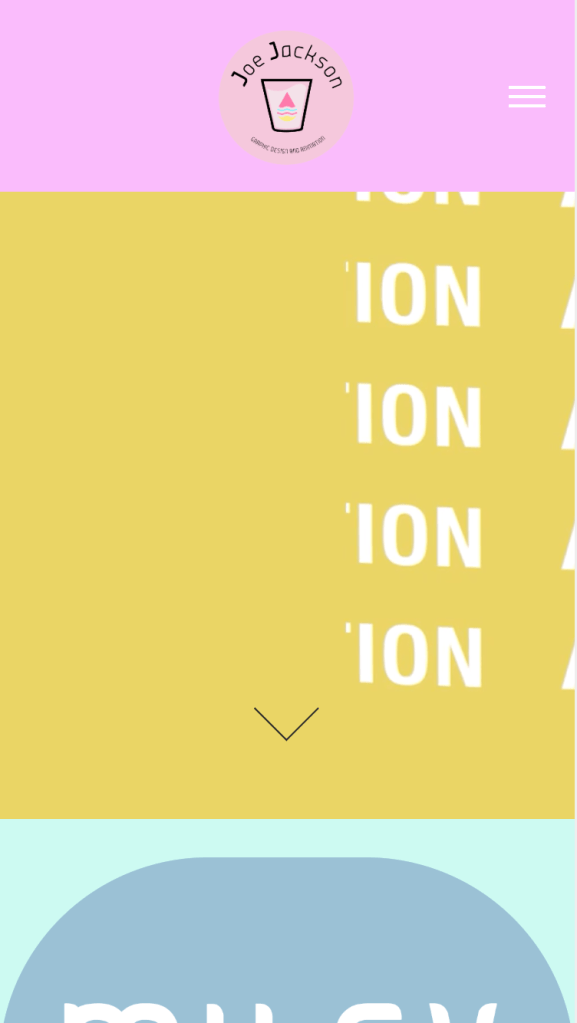
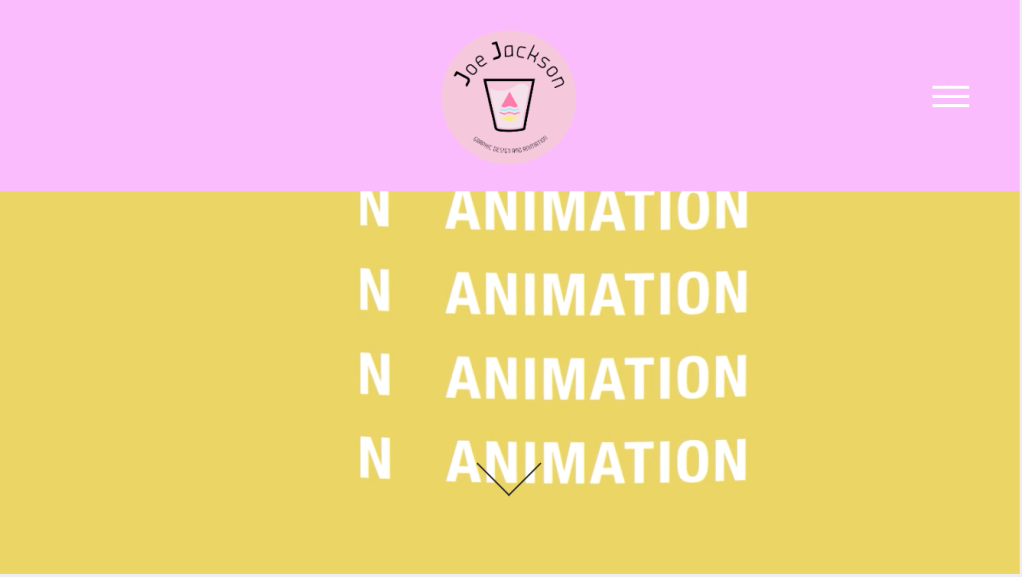
The versatility of the website means that on all devices my website is viewable and scaled well.
Taking this module further – I am going to continue my research on how to engage on social media platforms and how to network. I feel I am off to a positive start with my site and my self promotion platforms but I may need to explore which methods are used to engage further. I will pay attention to giving and receiving opinions to likeminded people. Also I will try and gain the right skills and information from either organisations or experienced individuals. I will seek all the support which is available. All the communities can provide something different. I’m hopeful that naturally an opportunity can gravitate towards me, and that my career will come to fruition shortly after I graduate.
 Joe's Blog - Building my professional portfolio